
Flocus Blog
Updates, guides, and ideas for focus, planning, and daily workflows.
 Daily Prioritization and PlanningHow to Plan a Realistic Daily Schedule That WorksThe article explains how to create realistic daily schedules based on actual capacity rather than idealized productivity. It recommends identifying fixed commitments, choosing one most important task, breaking work into focus blocks, and leaving room for interruptions, transitions, and low energy. It also emphasizes midday replanning, cutting lower-priority tasks, and reviewing estimates against actual results to improve future planning.
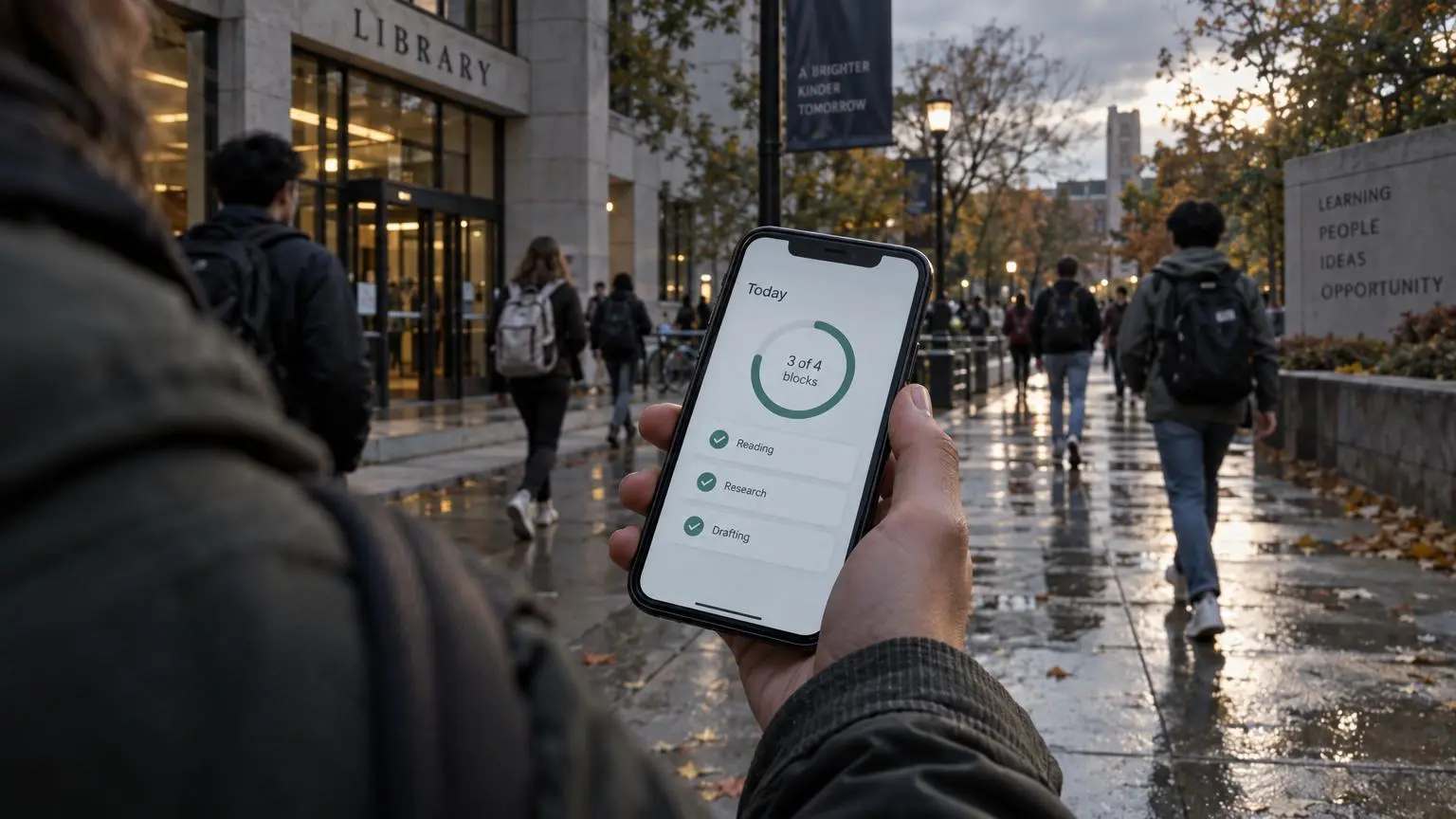 Focus Tracking and InsightsVisual Progress Tracker for Daily Work Without OverwhelmThe article explains how visual progress trackers, especially daily completion rings, make meaningful work visible and finite. By linking planned focus blocks to specific tasks, they provide clearer feedback than timers, to-do lists, or habit trackers alone. It recommends realistic planning, comparing estimated and actual time, and treating unfinished progress as feedback rather than failure. The approach suits students and knowledge workers seeking calmer, less overwhelming productivity.
 Deep Work HabitsWhat to Do When You Can't Focus: A Calm, Practical GuideThe article explains that difficulty focusing often stems from overstimulation, task switching, unclear tasks, low energy, anxiety, or depression—not laziness. It recommends a five-minute reset: reduce input, identify the real obstacle, choose one concrete next action, and work in a short block. Further strategies include single-tasking, batching interruptions, tracking focus blocks, and using a planning-first system such as Flocus. Persistent or worsening concentration problems may require professional support.
 Daily Prioritization and PlanningHow to Choose What You Should Work on First Each DayThe article explains how to choose one meaningful first task instead of letting inboxes and urgent requests control the day. It recommends selecting work that advances an important goal, defining a concrete outcome, and protecting a focused time block before messages begin. Planning the priority the night before, distinguishing projects from actionable tasks, and reviewing estimates afterward can improve consistency and focus.
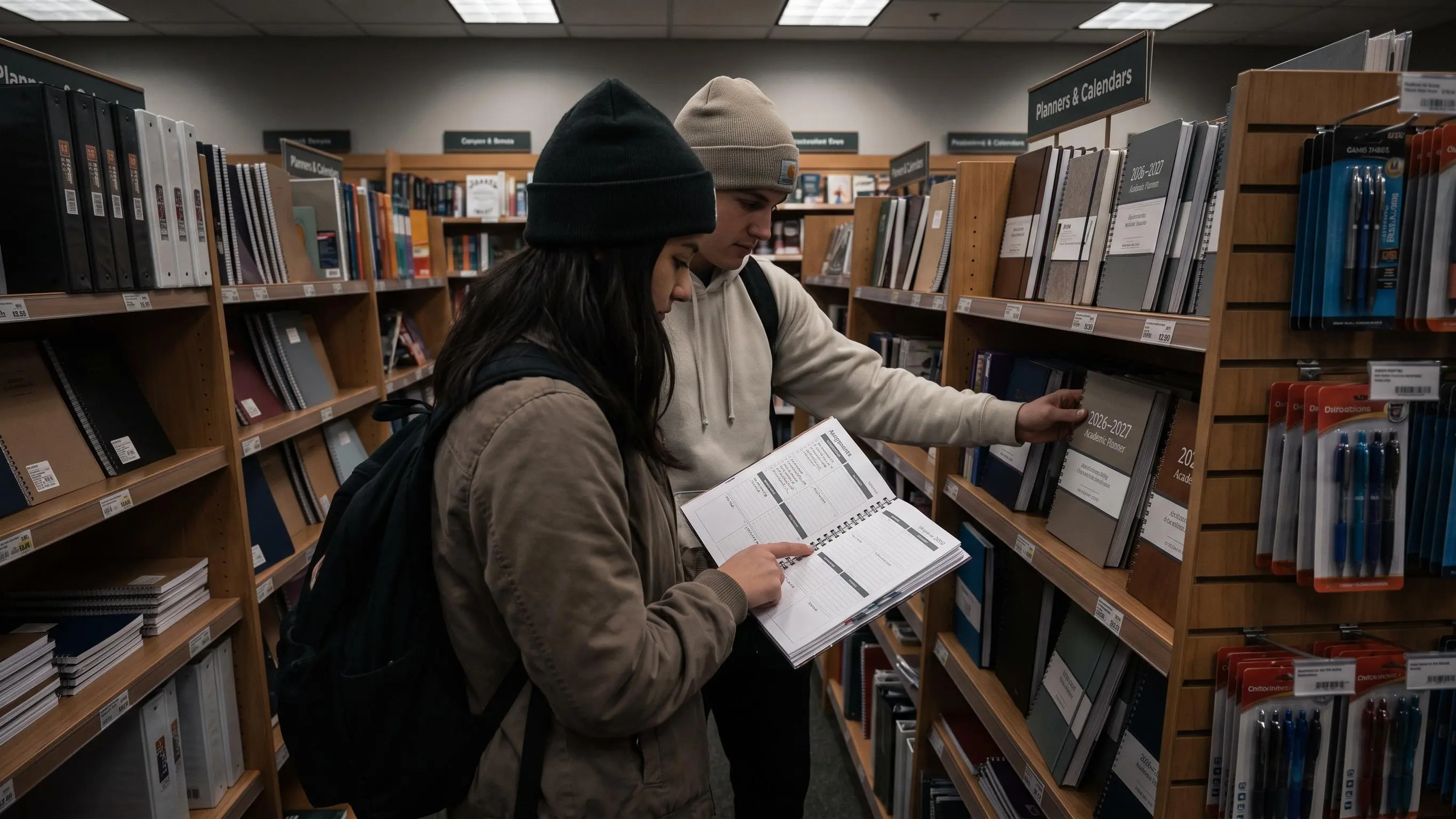 Audience Use CasesBest Planner for Students: 8 Top Picks ComparedThe article reviews eight student planners, comparing paper, digital, reusable, academic-year, calendar-year, daily, and weekly formats. It highlights Daily Planner for connecting task prioritization, Pomodoro focus sessions, and time tracking, while recommending other options for detailed academic, life-management, reflective, or handwriting-based planning. The guide stresses matching a planner to attention style and recognizing when a focus layer—not more planning—is needed.
 Flow State and NeurofeedbackHow to Get Into Flow State With a Simple Focus PlanThe article argues that flow comes less from willpower than from clear goals, manageable challenge, immediate feedback, and uninterrupted attention. It recommends choosing one visible outcome, protecting a focused work block, limiting distractions, taking low-stimulation breaks, and reviewing results. Early resistance is normal, and flow develops through struggle, release, momentum, and recovery. Flocus is presented as a tool for connecting planning, timers, progress tracking, and optional EEG feedback.
 Flow State and NeurofeedbackPsychology of Flow at Work: A Clear, Practical GuideThe article explains flow as a temporary state of deep, rewarding absorption created by clear goals, immediate feedback, manageable challenge, autonomy, and protected attention. It distinguishes flow from motivation, busyness, and deep work, while showing how interruptions and vague priorities undermine it. It presents a four-phase cycle—struggle, release, flow, and recovery—and practical steps for inviting flow through focused work blocks, task shaping, reflection, and recovery.
 Pomodoro and Focus SessionsIdeal Study Session Length for Students Seeking Deep FocusThe article argues that ideal study-session length depends on task complexity, energy, warm-up time, and recovery—not a universal timer. It recommends 25–30 minutes for review, 45–60 minutes for most serious study, and 60–90 minutes for deep work, with appropriately timed breaks. It also emphasizes clear goals, productive breaks, time of day, and measuring progress and focus quality rather than hours spent.
 Planner First Focus App7 Best Apps to Prioritize Your Most Important TaskThe article reviews seven apps for choosing and completing one most important task, rather than merely storing to-do lists. It compares Daily Planner, Superlist, Google Tasks, Notion, Any.do, Akiflow, and Focal by their strengths in daily focus, context, simplicity, guided planning, scheduling, and dependency management. It argues that the best choice depends on whether users need a one-task ritual, broader workspace, calendar protection, or fewer visible distractions.
 Daily Prioritization and PlanningHow to Prioritize When Everything Feels ImportantThe article explains how to prioritize when everything feels urgent by ranking consequences, deadlines, dependencies, and reversibility rather than reacting to pressure. It recommends capturing all work, grouping tasks by project, sequencing next actions, and distinguishing real urgency from anxiety or borrowed urgency. Readers should choose one most important task, protect it with a focus block, and openly communicate tradeoffs when interruptions arise.
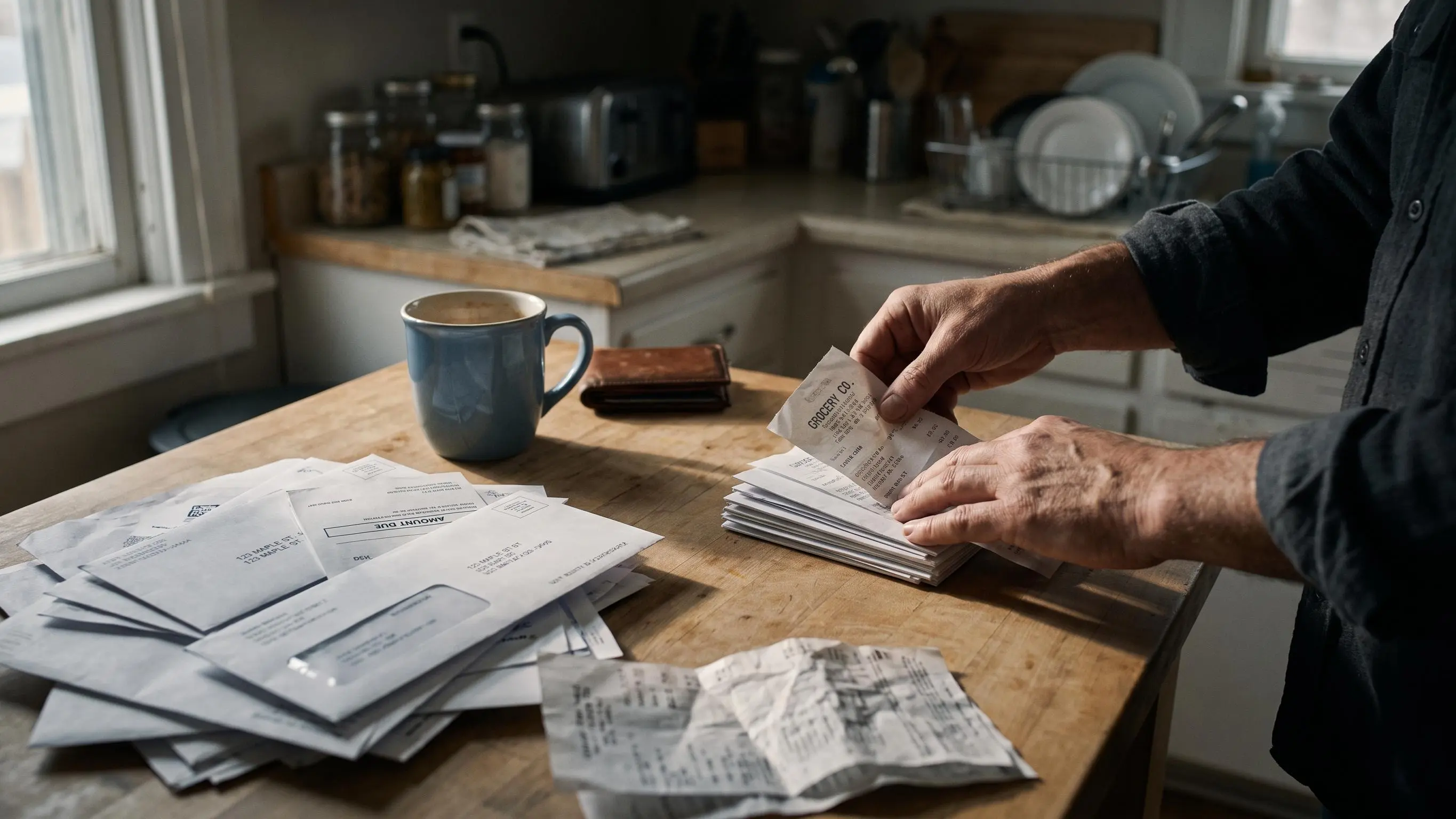 Deep Work HabitsHow to Focus on Boring Tasks and Actually Finish ThemThe article explains that difficulty with boring work usually comes from vague, oversized, or emotionally loaded tasks—not laziness. It recommends choosing one task, defining a tiny first step, setting a finite work block and visible stopping point, and tracking completed units. It also covers diagnosing task resistance, reducing distractions, using short focus sessions, and calmly recovering when attention slips.
 Flow State and NeurofeedbackConditions for Flow State at Work, Clearly ExplainedThe article presents flow as a work state enabled by clear goals, feedback, suitable challenge, and uninterrupted concentration—not willpower. It explains how vague priorities and digital interruptions disrupt focus, recommending one visible outcome, a protected 25-minute block, adjusted task difficulty, and brief review. It also covers habits, team norms, and Flocus tools for making deep work repeatable.
 Daily Prioritization and PlanningCapacity Based Planning for a Realistic WorkdayThe article explains capacity-based planning as a practical alternative to overloaded to-do lists and unrealistic calendars. It recommends calculating actual capacity by subtracting meetings, administrative work, interruptions, transitions, and fatigue, then prioritizing one meaningful task, using focused work blocks, and leaving buffer time. It also emphasizes comparing estimates with actual time and reviewing weekly patterns to improve planning.
 Daily Prioritization and PlanningMost Important Task Method: A Smarter Way to FocusThe MIT method is daily planning around 1–3 tasks that would make the day count, with protected focus blocks to move real progress. It emphasizes importance over urgency, shrinking tasks to a startable scope, then using timers or time blocks. Choose the MIT the night before or first thing; if the day derails, shrink the task and protect the next block. Ideal for students, knowledge workers, and creatives, it turns scattered effort into a day with a clear center.
 Deep Work HabitsBuild a Deep Work Routine That Actually SticksA deep work routine is a five-block system: one clear priority, a protected block, a distraction-light environment, visible progress, and a recovery rhythm.
Routines fail when motivation wanes or interruptions steal focus; timers alone don’t guarantee progress.
Start with one task, shrink to a concrete block, estimate in blocks, define done, prepare the workspace, use a cue, and log results; aim for 60–90 minute blocks, protected daily, with weekly reviews.
Deep Work HabitsBuild a Deep Work Routine That Actually SticksA deep work routine is a five-block system: one clear priority, a protected block, a distraction-light environment, visible progress, and a recovery rhythm.
Routines fail when motivation wanes or interruptions steal focus; timers alone don’t guarantee progress.
Start with one task, shrink to a concrete block, estimate in blocks, define done, prepare the workspace, use a cue, and log results; aim for 60–90 minute blocks, protected daily, with weekly reviews. Audience Use CasesBest Focus Apps for Students: 8 Picks ComparedThe article compares eight focus apps for students, each solving a different bottleneck: planning, blocking, task structure, or accountability. It highlights Daily Planner (planning-first), Forest (gamified distraction), Cold Turkey Blocker (strict blocking), Freedom (cross-device blocking), Focus To-Do (timer with tasks), Flipd and Lilo (accountability), and Session (Apple-centric Pomodoro). It advises choosing by your main problem, testing one app for a week, and remembering no tool does all four roles; success comes from matching the app to your bottleneck and study context.
 Deep Work HabitsProductivity Without Burnout: A Calm Plan for Deep WorkBurnout often masquerades as productivity, with busy calendars, constant pings, and task switching leaving important work half-done. Productivity without burnout comes from a planning-first, calm system: pick one most-important task, estimate it in focus blocks, and protect a single uninterrupted window with a quick end-of-block check. The approach reduces friction through fewer meetings, asynchronous updates, and clear work modes (maker, connector, triage), aligning work with energy and recovery for sustainable deep work. Measure progress by completed blocks and MIT achievement, not hours, and use planning-plus-focus tools like Flocus to guide execution.
 Deep Work HabitsSingle-Tasking vs. Multitasking: Which Is Better for Focus?Single-tasking usually wins for focus-heavy knowledge work because attention, memory, and judgment are limited. It separates concurrent multitasking (overlap) from serial switching and highlights attention residue as the switching cost. Multitasking can feel productive but fragmentation hurts deep work; use a rule: protect deep-focus tasks, batch admin, pair only with low-stakes tasks. Practical steps: pick one main task, block time, minimize switches, and review what actually moved forward.
 Focus Tracking and Insights11 End of Day Reflection Questions for Better FocusThe article outlines an 11-question end-of-day reflection to turn busy days into learning. It asks you to name the top three events, explain why they mattered, note lessons, express gratitude, pick one focus for tomorrow, and identify unfinished work and time sinks. The ritual should take 5–10 minutes, be nonjudgmental, and treat reflection as data for planning. It suggests tools like Flocus to connect reflections with a practical daily plan.
 Daily Prioritization and PlanningHow to Stop Overplanning Your Day and Focus BetterOverplanning is planning that becomes the work; the plan should help you start, not replace action.
Focus on one most-important task, a short list, and a few focus blocks with startable steps and a protected deep-work window.
Patterns that cause it: vague tasks, inflated capacity, all-or-nothing resets after a delay, and chasing imagined certainty.
Use a simple, low-friction planner and a quick mid-day check to salvage the day; plan one core task, two supports, and one block for tomorrow.
Daily Prioritization and PlanningHow to Stop Overplanning Your Day and Focus BetterOverplanning is planning that becomes the work; the plan should help you start, not replace action.
Focus on one most-important task, a short list, and a few focus blocks with startable steps and a protected deep-work window.
Patterns that cause it: vague tasks, inflated capacity, all-or-nothing resets after a delay, and chasing imagined certainty.
Use a simple, low-friction planner and a quick mid-day check to salvage the day; plan one core task, two supports, and one block for tomorrow. Audience Use Cases8 Best One Task at a Time Apps for Students ComparedThis guide reviews one-task-at-a-time study apps, arguing the best help you pick, start, and finish a task, not just time it. It groups options into planning-first (Daily Planner, Any.do), full task managers (Todoist), timer-plus-task (TickTick), and simple reminders (Google Tasks, Apple Reminders). A four-question filter helps: does it reveal the next task, cut clutter, support timed work, and stay usable under stress? For ADHD, focus on reducing ambiguity with a single next action and a short daily list; try two options for a week.
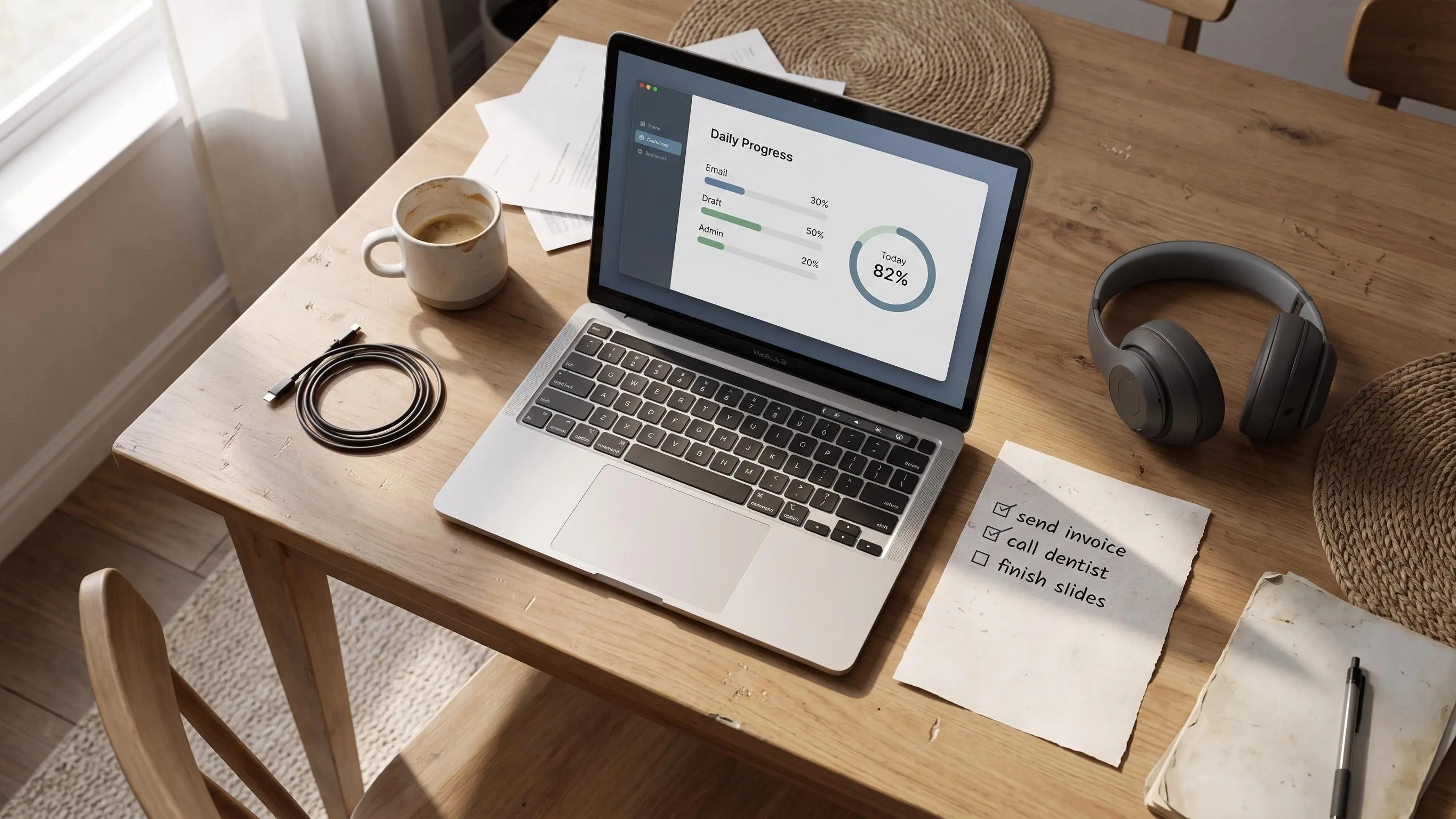 Focus Tracking and InsightsVisual Progress Tracker for a Calm, Focused WorkdayVisual progress trackers should show meaningful progress against a small plan, not just time passing. Use one key task, estimate in focus blocks, and let finished blocks or a daily ring signal real progress. Choose formats by goal (bars, rings, timelines, heatmaps) and don’t confuse elapsed time with movement. A planner-first approach—define the task, block it, and review twice daily—reduces stress and ambiguity. Start with one simple metric this week.
 Deep Work HabitsWhat Is Deep Work? A Practical Guide to Focused ProductivityDeep work is sustained, distraction-free concentration on demanding tasks, producing output that’s hard to replicate. It’s a trainable method, not a personality trait, built on one clear priority, one concrete milestone, and protected time. It contrasts with shallow work like emails and chats that feel productive but don’t move real progress. Start small: pick one task, a 25-minute block, a concrete outcome, and review what happened.
 Flow State and NeurofeedbackWhat Is Flow State? A Simple Guide to Better FocusFlow is a practical state of deep focus that happens when challenge, goals, feedback, and attention align. It isn’t magic; it appears in pockets of work like writing or coding, with time distortion and less self-criticism. Key ingredients: clear goals, right-sized challenge, immediate feedback, single-tasking, control, meaning, and recovery. A simple routine—one priority, a small target, short focus blocks, breaks, and review—helps invite flow and improve learning.
 Audience Use Cases6 Best Writing Focus Apps for Calm, Deep WorkThe article argues that the best writing focus apps remove friction by matching how you actually start and stay with a draft—typing, shaping notes, or handwriting-first planning—rather than adding clutter. It surveys six options (iA Writer, Ulysses, OmmWriter, Bear, Notability, GoodNotes) and clarifies which stage they serve: pure drafting, project management, immersive sessions, or note-driven prep. A practical guide suggests diagnosing your bottleneck (starting, staying focused, or turning notes to prose) and choosing accordingly, with Flocus and optional Muse EEG as examples.
 Daily Prioritization and PlanningHow to Plan Your Day in Ten Minutes Without OverwhelmPlan for the day with one MIT, a short task list, simple time estimates, and flexible focus blocks—before checking email. It warns against heavy systems that create friction, and the planning fallacy. It lays out six steps: review yesterday, brain-dump, pick MIT with 3–5 others, estimate time, and form flexible blocks. Success means calmer starts and more accurate time use.
 Focus Tracking and InsightsSession Review Template for Calm and Consistent FocusArgues for a calm, data-driven weekly focus review that compares planned work to results and finds patterns for next week, not a mood diary. Distinguishes outcome reviews from decision reviews and flags signals that matter: the most-important task, estimates vs actual time, focus blocks, interruptions, and energy. Provides a lean template (TLDR, aims/context, data, results/themes, next steps) and recommends reviewing 2–3 representative sessions as a practical feedback loop to plan better next week.
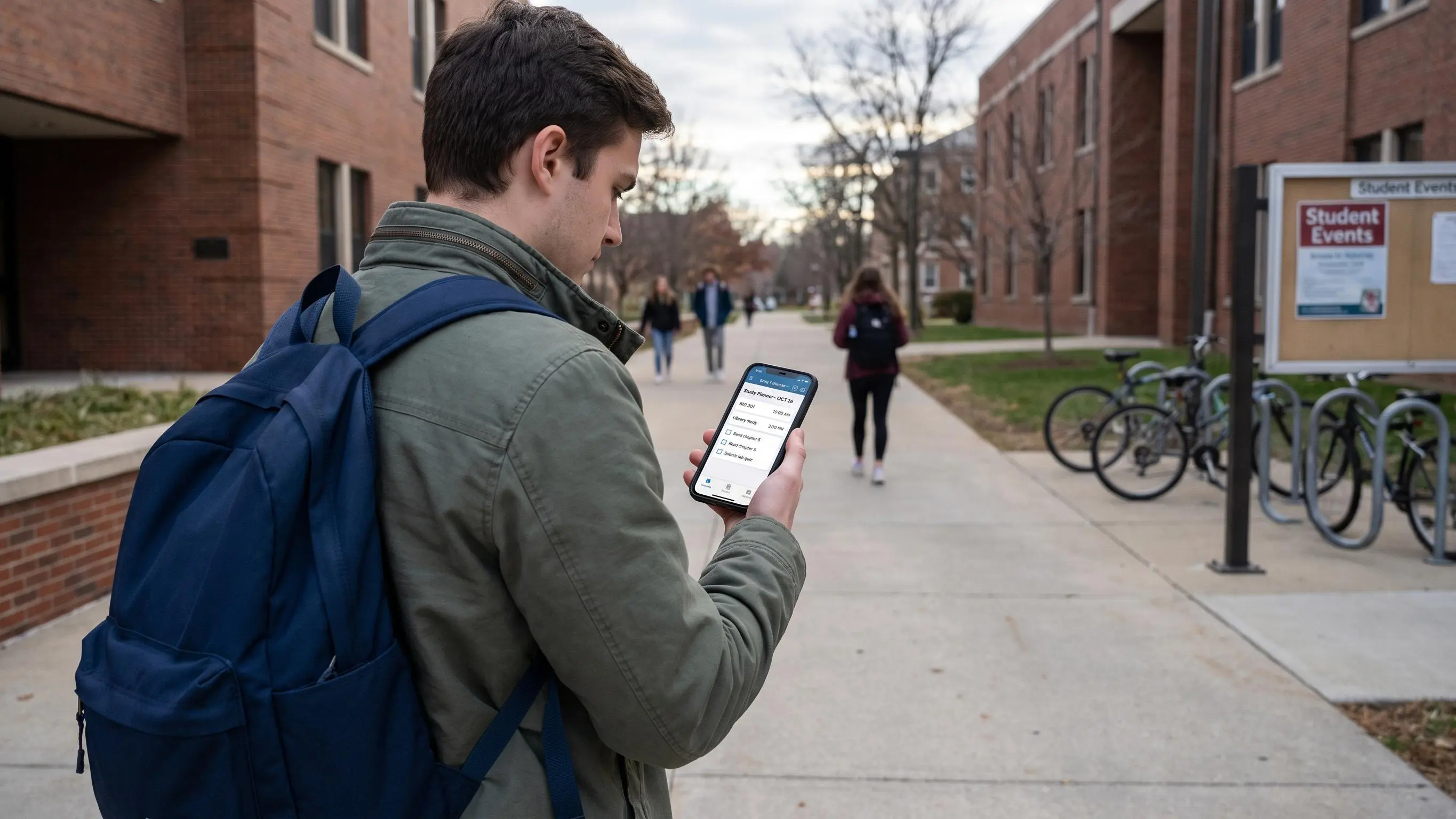 Audience Use CasesBest ADHD Study Planners for Students ComparedEight ADHD study planners are reviewed, ranging from one-task to full life-management styles, all aiming to reduce friction so you start, prioritize, and time work better. The piece argues the best tool fits your bottleneck, not a feature-rich ideal. Guidance is by where your day breaks—starting, deadlines, time perception, energy, or routines. Test a tool for a day and judge whether you started sooner, stayed focused, and finished with clarity.
 Daily Prioritization and PlanningDaily Priority Planner for Calm, Focused WorkdaysBusy days fail not from laziness but from many urgent tasks with no protected priority. A daily priority planner fixes this by picking one MIT, keeping the list small, and creating focused work blocks with visible progress. The One Main Task system anchors the day, with secondary tasks as support and a short end-of-day review. To start, choose your MIT, define a concrete first step, estimate needed focus blocks, and log results.
 Audience Use Cases8 Best Planners for Office Work: Expert PicksThe article compares eight office planners by their core focus: policy and control, weekly planning, or space analytics. It matches tools to needs—rules-heavy for fair use, adoption-friendly planners for day-to-day use, and all-in-one platforms for space visibility. It notes tradeoffs: some are desk-only while others add visitors, rooms, or analytics, and warns against buying features you won’t use. It suggests a two-layer approach: a workplace planner for coordination and a separate focus app like Flocus for deep work.
 Pomodoro and Focus SessionsFifty-Ten Study Method: A Simple Path to Better FocusThe 50/10 method uses a 50-minute focused block followed by a real 10-minute break, offering a longer runway for deep, high-context work than 25/5. It works best for tasks with setup time—problem sets, coding, dense reading—where you aim to finish a meaningful chunk, not just start. Before you start, pin a clear finish line and keep the 10-minute break off screens to reset attention. Track what you finished versus your plan and consider interleaving topics to deepen understanding.
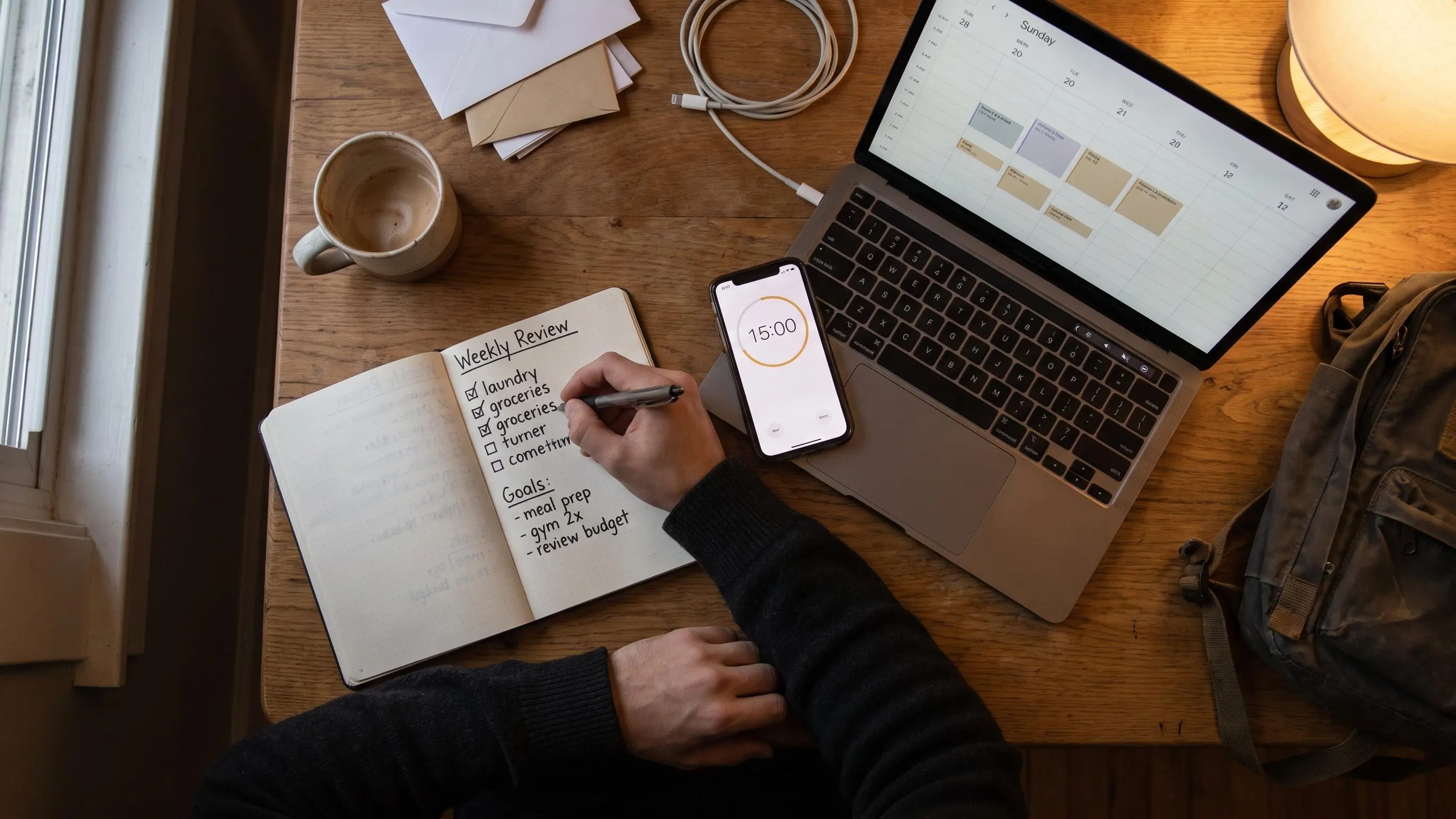 BlogHow to Do a Weekly Review in Fifteen Minutes That SticksThe article argues that a 15-minute weekly review is enough to reset the week, focusing on one priority and a clear first move. It prescribes a four-step, time-boxed process—look back, clear the decks, set 3–5 goals, plan Monday’s first block—with a compact output (wins, carryovers, planning lesson, weekly goals, Monday first move). It warns against traps like long rituals or inbox-cleaning, and offers a 7-minute rescue version plus habit tips to keep it doable.
 Daily Prioritization and PlanningEnergy-Based Planning for Better Focus Without BurnoutEnergy-based planning treats focus as a real constraint, matching hard work to your best energy and reserving low-energy time for admin. Calendar-first planning often leads to burnout by placing demanding tasks in wrong hours and ignoring energy costs. Three guiding ideas shape it: what energy the task needs, when you have it, and what it costs afterward; label tasks high, medium, or low energy, then plan around a top task in a peak window with slack.
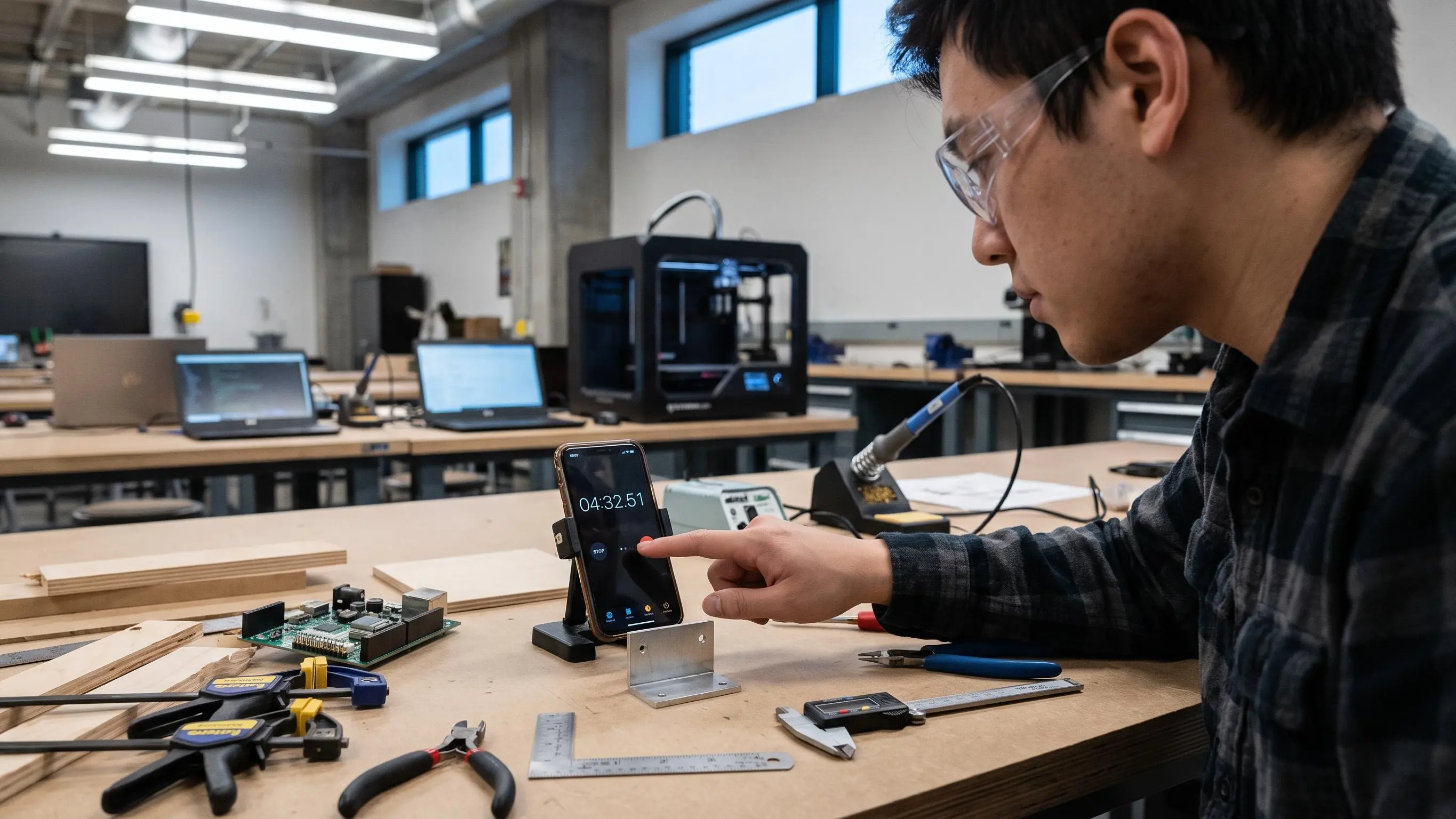 Daily Prioritization and PlanningHow to Estimate Task Duration Without GuessworkTime estimates give daily plans a believable shape, not a perfect forecast. Separate performance time (focused work) from completion time (elapsed time with delays) and estimate in concrete focus blocks. Break tasks into clear steps, reference past similar work, and add buffers for setup, waiting, and reviews; revise after the first block and track expected vs actual time. A lightweight system like Flocus helps keep planning honest and reduces end-of-day guilt.
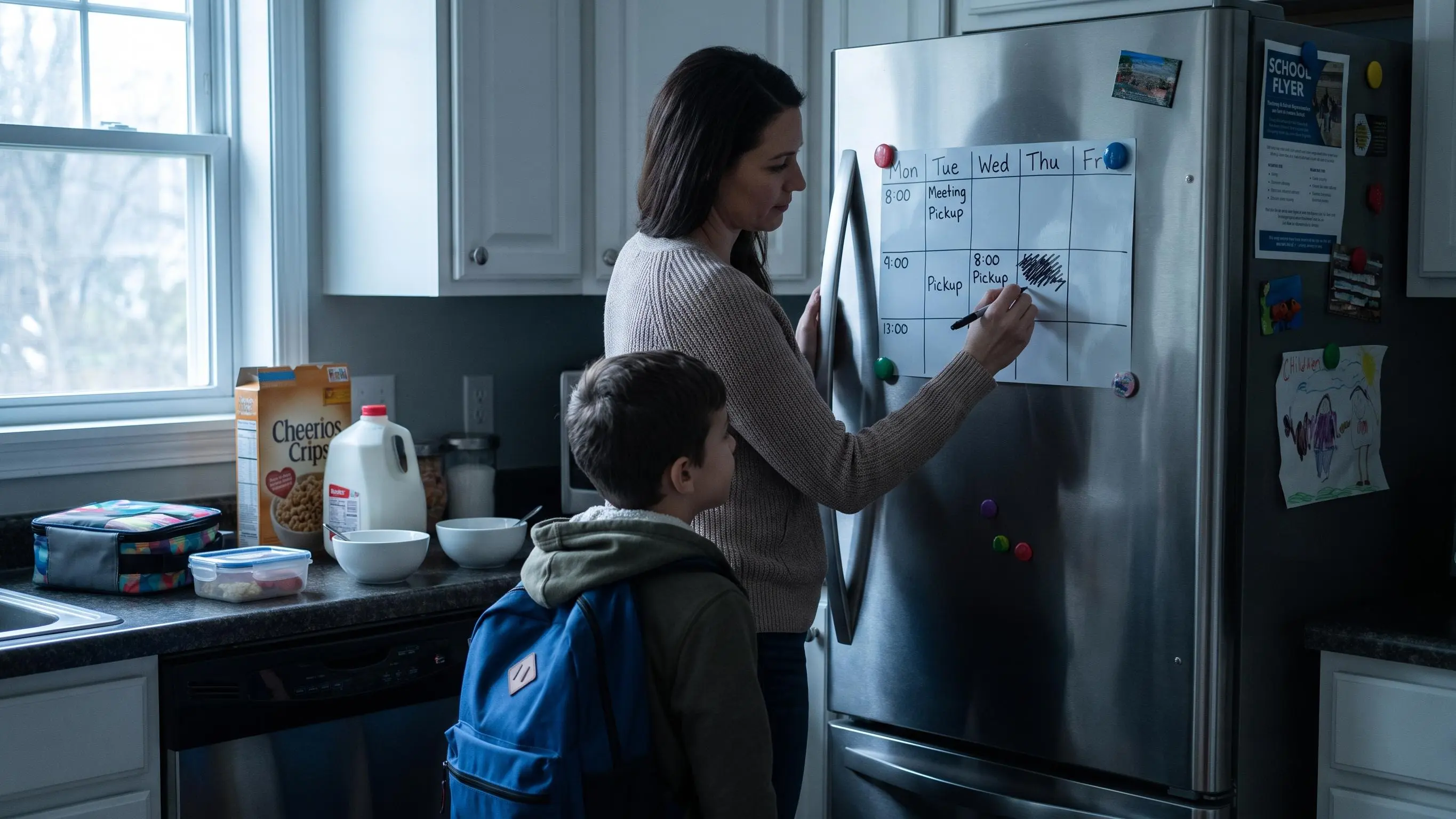 Daily Prioritization and PlanningFlexible Time Blocking Beyond Plain Timers for Calm FocusFlexible time blocking ties planning to action, avoiding brittle schedules or pure timers. Key ideas: protect one main task, use larger blocks, add buffers, and re-block after disruptions. Plain timers reward duration, not direction; research on implementation intentions and protected time supports more focused work. Try: identify non-negotiables, pick one important task, plan 1–3 focus blocks, batch admin, add a recovery block, and re-block when plans break.
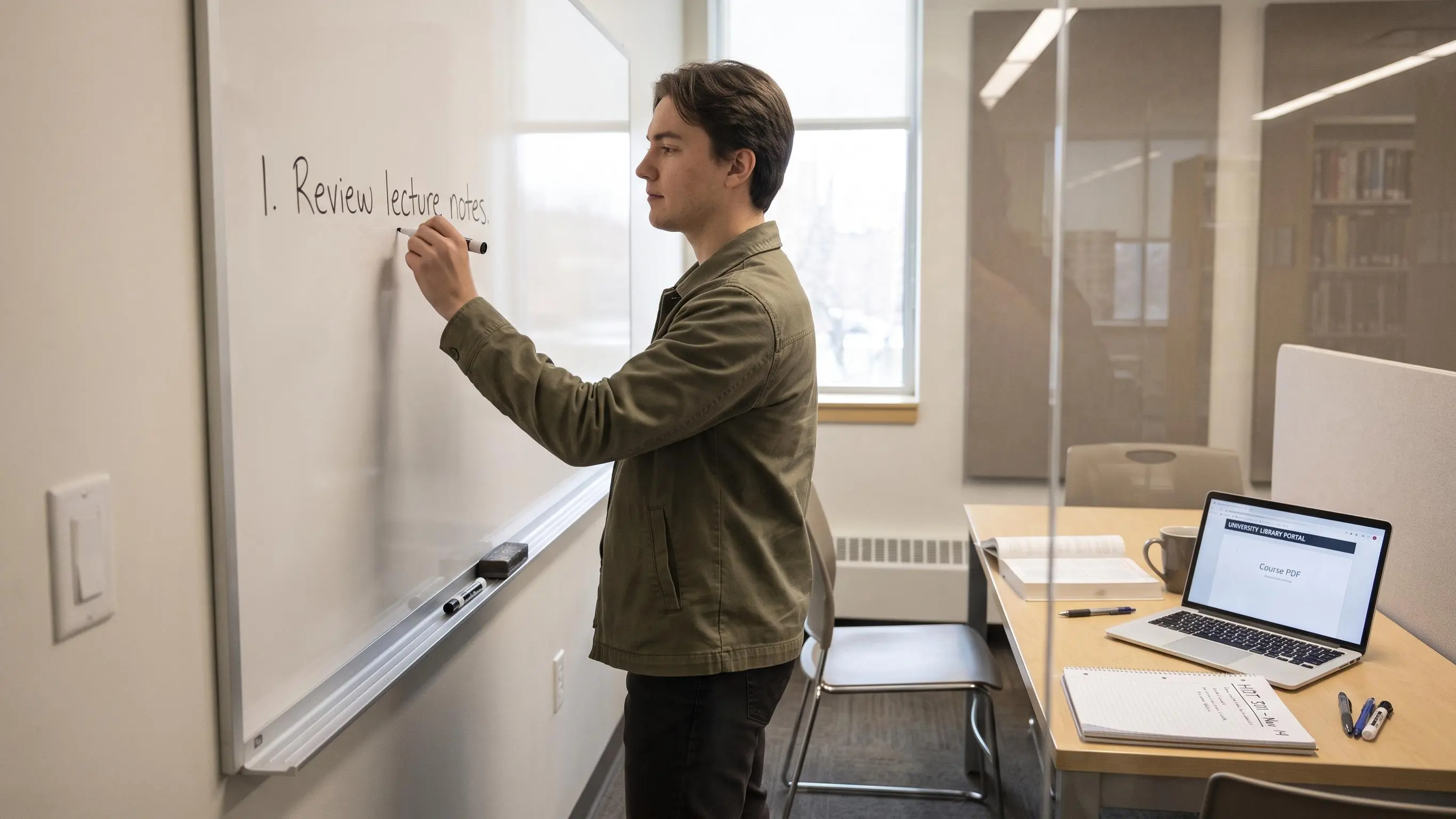 Flow State and NeurofeedbackBrain Training for Focus: A Calm Method for Study and WorkFocus problems are often structural, not personal: too many tabs and fuzzy tasks with no finish line. The fix is planner-first: pick one priority, estimate a block, then log results and mark completion. Brain training for focus means repeatable, task-specific practice—strengthening working memory, inhibitory control, cognitive flexibility, and fatigue management, not gimmicks. Research shows modest near-transfer and limited far-transfer; use planning and one-block work as core, with neurofeedback as an optional add-on.
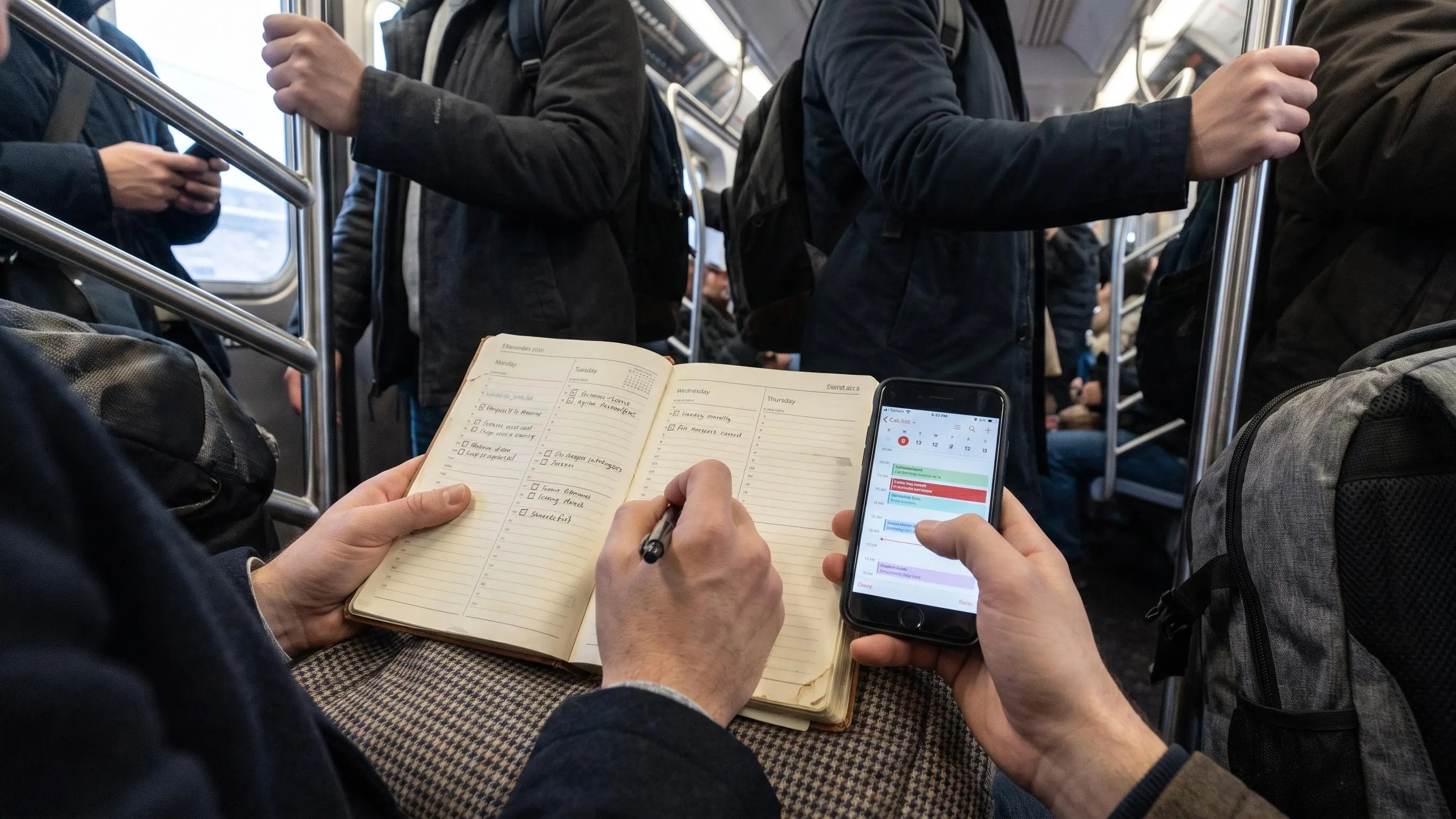 Planner First Focus AppPaper Planner vs Digital Planner: Which Helps You Focus?There's no universal winner in the paper vs digital planner debate. The real question is attention management: which format helps you decide what matters, start it, and see what got done despite distractions. Paper supports weekly planning, clear priorities, and reflection; digital excels at retrieval, reminders, and adapting to a changing schedule. A simple hybrid—clear division of tasks—often fits best. Test for two weeks and measure completion, misses, and starting focus.
 Planner First Focus AppProductivity Planner Setup: Calm Focus Without OverwhelmThe article cautions that most planning fails when it becomes extra work; stay light with one priority, a short list, and time-blocked work that ends clearly. Start with a friction audit, then a minimal setup: inbox, Today, a few tasks, calendar, notes, Someday, and a weekly review. Follow Input–Choose–Schedule–Focus–Record–Review, using timed blocks to protect the key task and surface planning gaps. Compare paper, digital, and hybrid, avoid bombardment from notifications, and rely on completion cues and brief shutdowns to stay steady.
 Planner First Focus AppBest Online Focus App Picks for Work and StudySeven focus tools are reviewed, arguing that value comes from starting the right task, sticking with it, and showing how the day unfolded—not from flashy timers. The article groups options by need: planner-first (Daily Planner), timer-first (Focus To-Do), motivation (Forest, Focus Friend), executive-function (Focus Bear), browser-focused (FocusUp), and blocking (Apple Screen Time). Pick by where your focus breaks—priorities, initiation, or distraction—and test one tool for a week. Judge success by meaningful work completed, not minutes started.
 Flow State and NeurofeedbackBest Muse-Compatible Apps and Tools for Focus and MeditationThis guide groups Muse-compatible apps by the job you want the headset to do, not mere compatibility. Flow Tracking is best for deep work, offering real-time flow scores, fatigue tracking, and an on-device privacy layer. The official Muse app targets meditation and sleep, while LSL/BlueMuse/Muse Studio/Health cater to raw data, streaming, and research workflows, and NeuroHarmony experiments with EEG-driven music. Pick by goal, test setup, and favor repeatable habits over novelty.
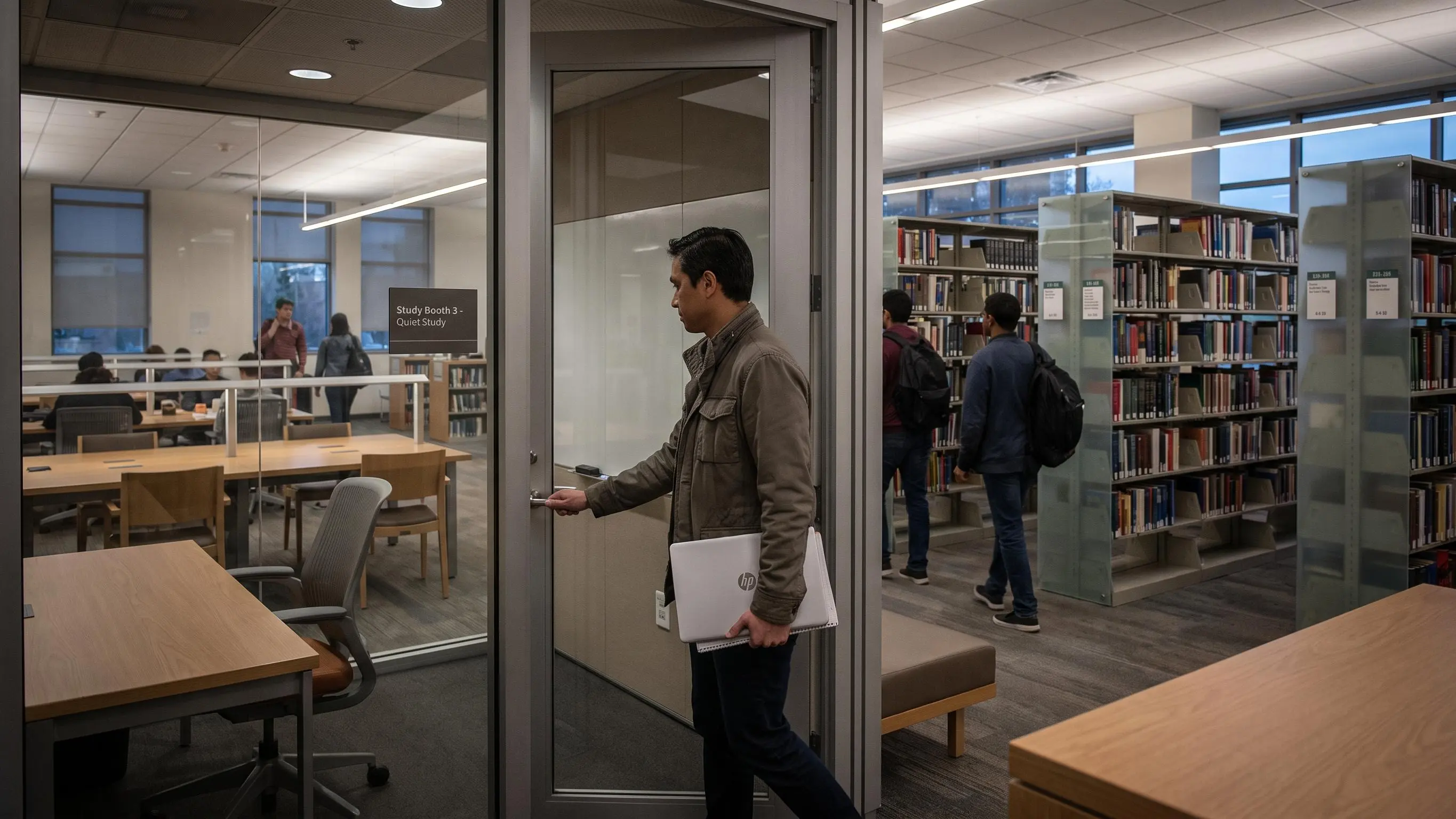 Deep Work HabitsHow to Get Into Work Mode Without Stress or OverwhelmWork mode means focusing on one specific task for a short, bounded block, not chasing motivation. Friction and attention residue—not laziness—block starting; fix by picking a finishable task and closing escape hatches. Use a deep-work warm-up and protect the first 10 minutes: close, reset, dump loops, prime the task, and begin with a concrete first action for 25–30 minutes. Tidy the environment and track what helps you start; flow metrics are optional. Try one short block today.
 Planner First Focus AppFocus Planner App: Top Picks for Better Daily PlanningThe article reviews eight focus-planner apps, arguing success hinges on helping you pick a task, stay with it, and review results, not on pretty timers. It splits planning-first tools (Daily Planner, Focusmo) from timer-led ones (Focus To-Do, Pomodone) and notes each tool’s strength: prioritization, task linkage, or motivation. A simple bottleneck guide helps you choose, plus a quick, one-week test to decide. Musts: one clear priority, short daily scope, and real estimate-versus-actual feedback with clear end-of-day closure.
 Pomodoro and Focus SessionsWhat Is a Focus Session? A Simple, Practical GuideFocus sessions are planned, uninterrupted blocks dedicated to one primary task, with a clear boundary, minimal distractions, and a brief end-review. They consist of three parts—preparation, deep work, and wrap-up—and typically run 45–90 minutes (30–60 for beginners). Used with time blocking, the calendar reserves the time while the focus session provides the execution structure, better for complex work than a plain timer. Common mistakes include vague tasks, starting the timer before a real task, and skipping the end review.
 Focus Tracking and InsightsVisual Progress Tracking for Focus That Finally SticksVisual progress tracking replaces timers by showing progress toward a clearly defined daily target. It needs four parts: one priority, one unit of work, one visible signal (such as a daily completion ring), and a quick post-block review. Track estimated versus actual time and update the signal as you finish each block so you know whether the right work moved. Avoid clutter and use a simple setup that updates in real time to keep focus through the day.
 Focus Tracking and Insights13 Planning Fallacy Examples That Derail Your DayThe planning fallacy makes us underestimate how long our own tasks take, even when similar work took longer before, so outsiders’ estimates are often closer. Common traps include underestimating emails, reading, writing, meetings, admin tasks, errands, and context switching—tiny tasks that balloon time. Fixes include reference-class thinking, tracking estimated vs actual time, breaking work into stages, using three estimates (ideal, likely, friction), and blocking around one priority with buffers for transitions.
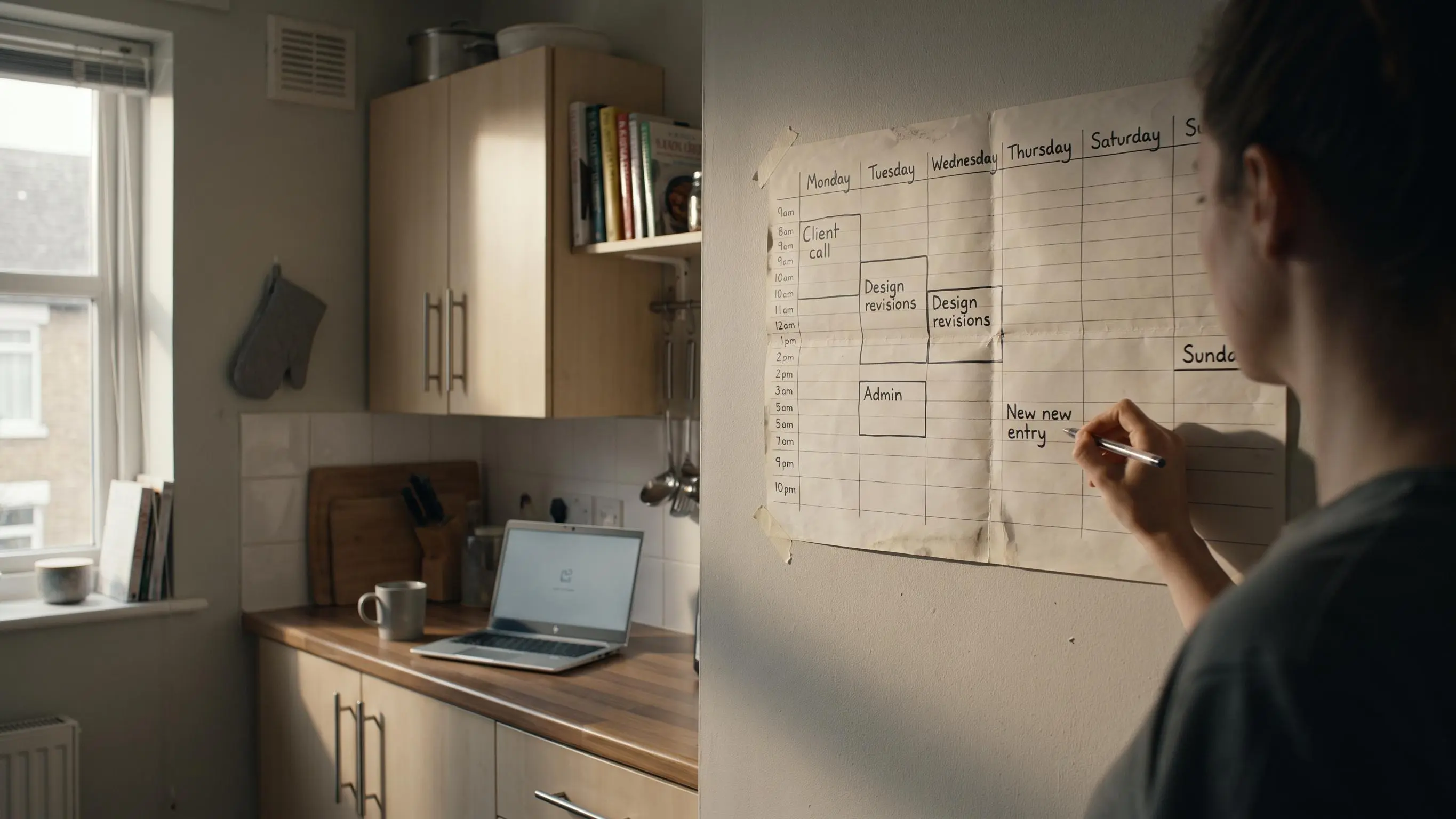 Audience Use CasesTime Blocking for Freelancers: Finally Find FocusTime blocking for freelancers prevents client noise from taking over by prioritizing outcomes and buffering for overruns.
It uses four work modes—deep, shallow, client-facing, growth—and separates admin from focused blocks, with weekly planning.
Key practices: name blocks with outcomes, align with energy, and use 60–90 minute focus sessions.
Plan weekly, then block the day’s most important task before messages.
Audience Use CasesTime Blocking for Freelancers: Finally Find FocusTime blocking for freelancers prevents client noise from taking over by prioritizing outcomes and buffering for overruns.
It uses four work modes—deep, shallow, client-facing, growth—and separates admin from focused blocks, with weekly planning.
Key practices: name blocks with outcomes, align with energy, and use 60–90 minute focus sessions.
Plan weekly, then block the day’s most important task before messages. Deep Work HabitsTask Switching Cost: The Simple Way to Protect Your FocusTask switching cost is a hidden tax: moving between tasks slows you, reduces accuracy, and leaves attention residue. Multitasking feels productive but yields thin work; the fix is fewer resets, not more pressure. Practical method: choose one priority, protect a block long enough for real progress, remove detours, keep a capture place, and end with a reentry note. True focus comes from planning and structure—one priority, timed blocks, and a clear finish; even alertness alone isn’t enough.
 Audience Use CasesBest Study Focus Apps for Students: Top PicksFive study focus tools—Daily Planner, Forest, Freedom, Focus Bear, and Apple Screen Time—target different bottlenecks: planning, motivation, blocking, routine, or device limits. Daily Planner decides what to study; Forest fuels motivation; Freedom blocks distractions; Focus Bear builds routines; Screen Time is a simple baseline. Timers alone rarely work; effective tools couple clear planning, estimate-versus-actual feedback, and closure. Try one for seven days.
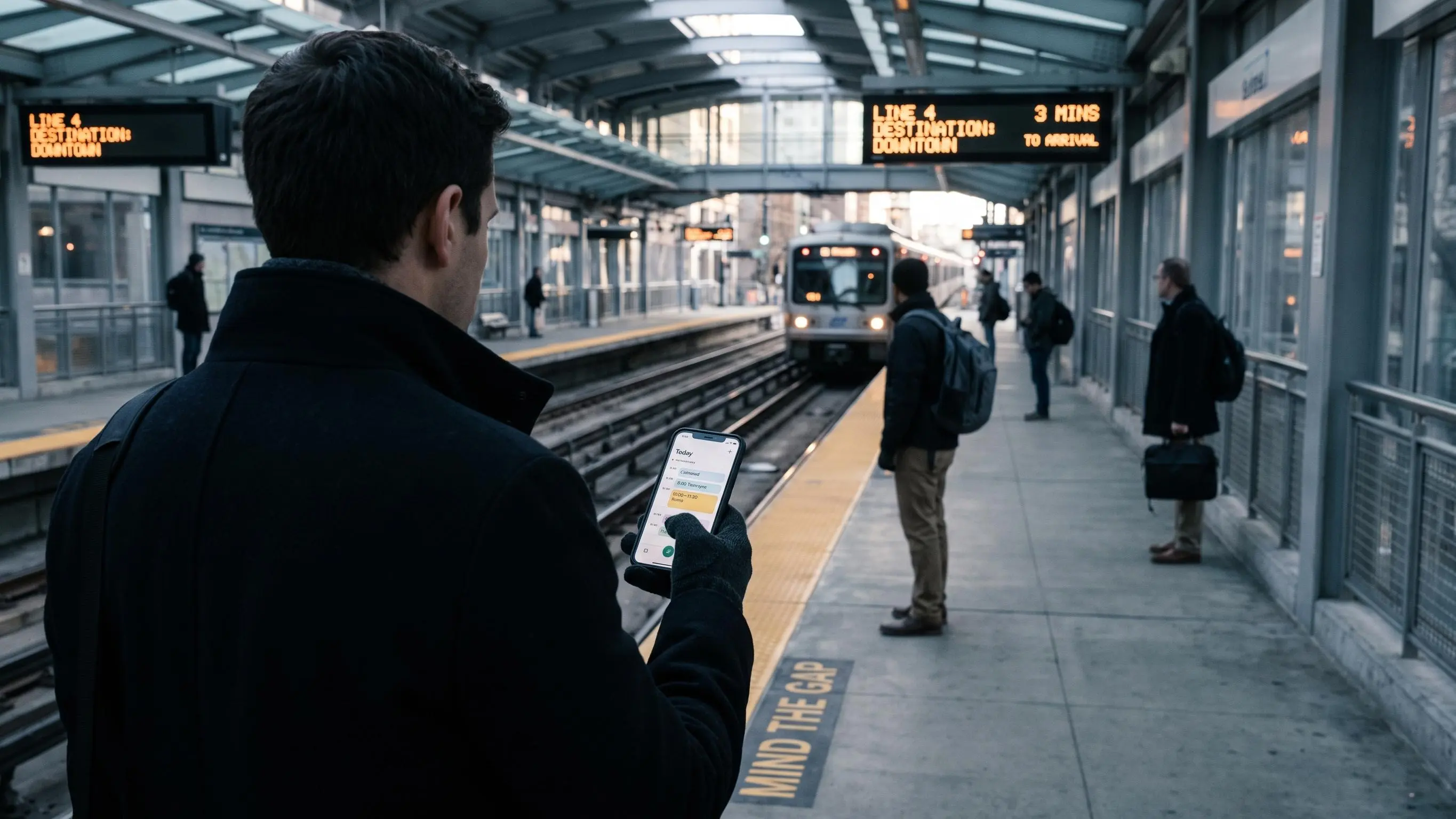 Planner First Focus AppBest Free Daily Planner Apps for Better FocusFree planners are often just to-do lists; the best focus planners give today a single priority, a short list, and a planning–timer–review loop. Eight options are reviewed—Daily Planner, SparkDay, Any.do, Todoist, TickTick, Structured, Saner.AI, HelloHabit—each for different work styles. Choosing hinges on your failure points (what matters, visual schedule, routines, or automation) and whether the free version fits your devices. Test two that fit your sticking point and keep the one that helps you start today and finish with less mental residue.
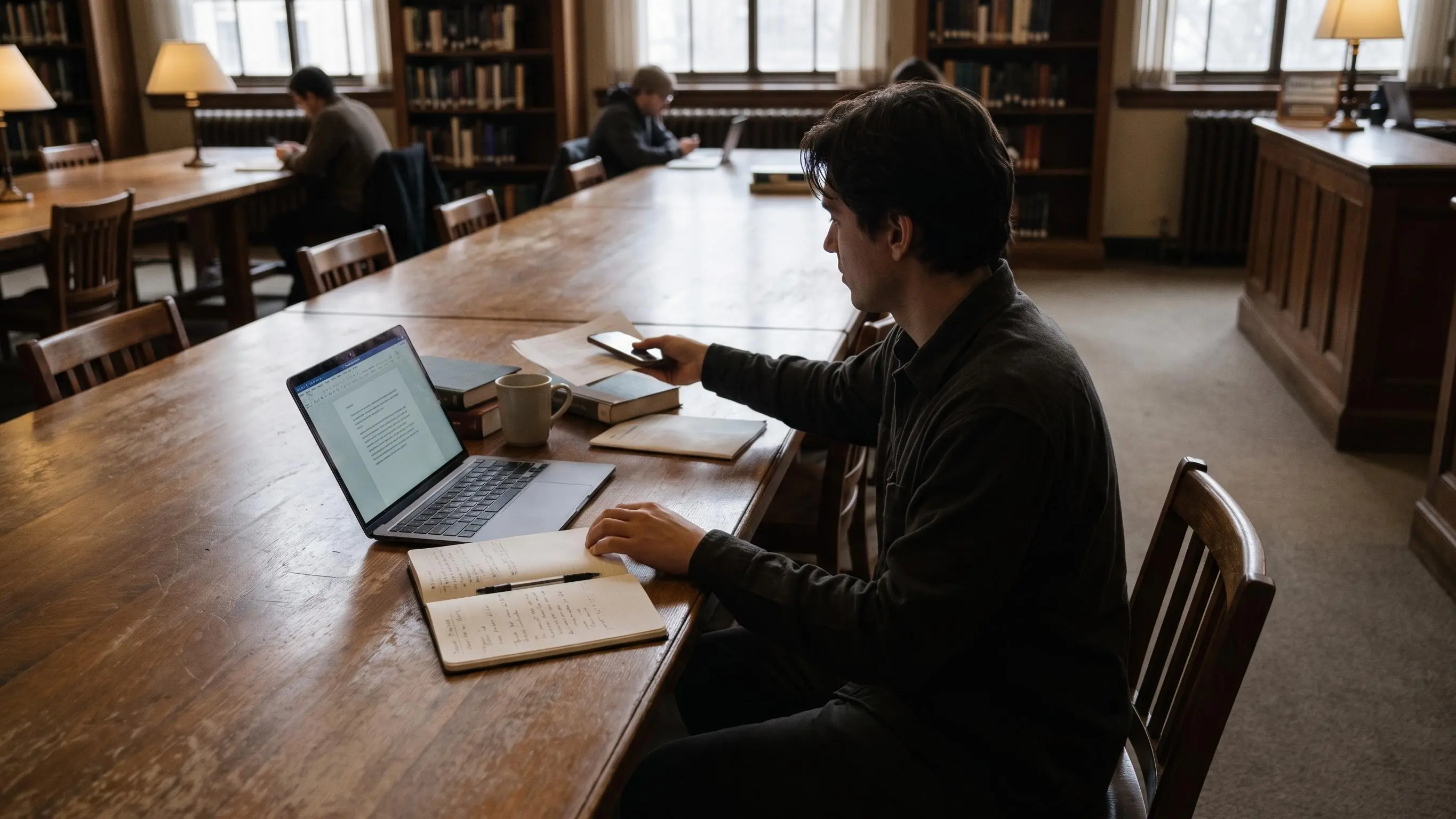 Flow State and NeurofeedbackHow to Get Into a Flow State Without Forcing ItFlow isn’t mystical; it arises from design: one clear task, a short ramp, and protection of the first 20 minutes from interruptions. It needs a challenge-skill balance, a concrete goal, and immediate feedback, plus work that feels meaningful. Use a simple, repeatable ritual and one-block targets to enter and sustain flow in work or study, tracking light progress. If flow fails, adjust scope or clarity rather than blame yourself.