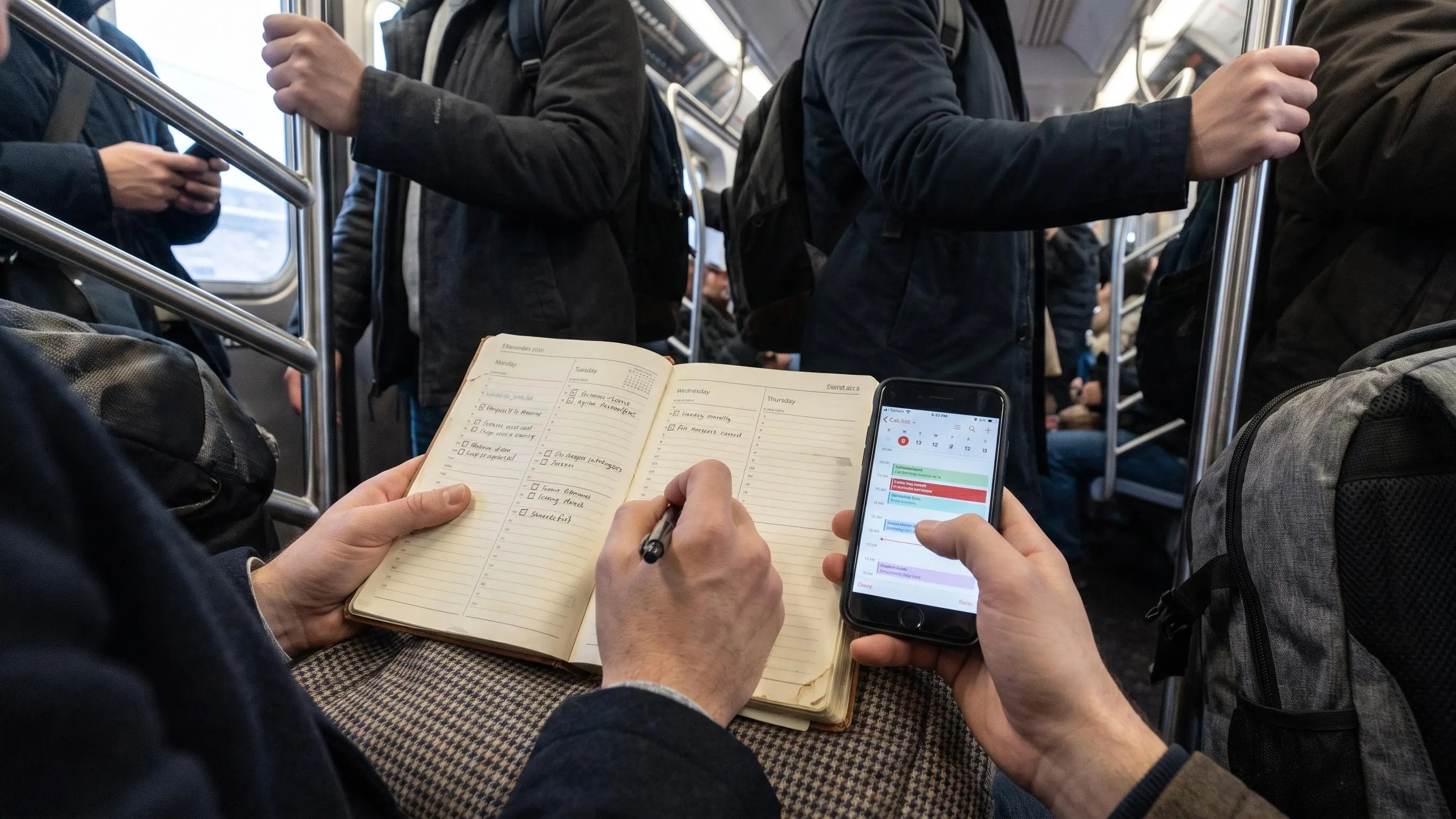

A most important task app should help you decide what deserves your best hour, not hand you a prettier pile of tasks. Too many options stop at timers, tags, and “productive” wallpaper. Then you still open your laptop and wonder where to start.
The good ones create useful friction: one clear priority, a realistic place for it, and feedback when the plan was fantasy.
We cut this to seven options worth your attention.
Show 4 more productsShow fewer products
1. Daily Planner
- Purpose-built for one main task
- Pomodoro estimates improve planning honesty
- Weekly goals tie into daily work
- Focus Ring closes the review loop
- Browser-based on phone or laptop
- Less suited to complex project workspaces
- Limited for heavy calendar scheduling
- Muse depth layer won't matter universally
If you want a most important task app that starts with the actual decision, not a giant list, this is the one we'd point to first. It fits people who don't need a full productivity universe. They need a calm place to plan one thing today and then do it.
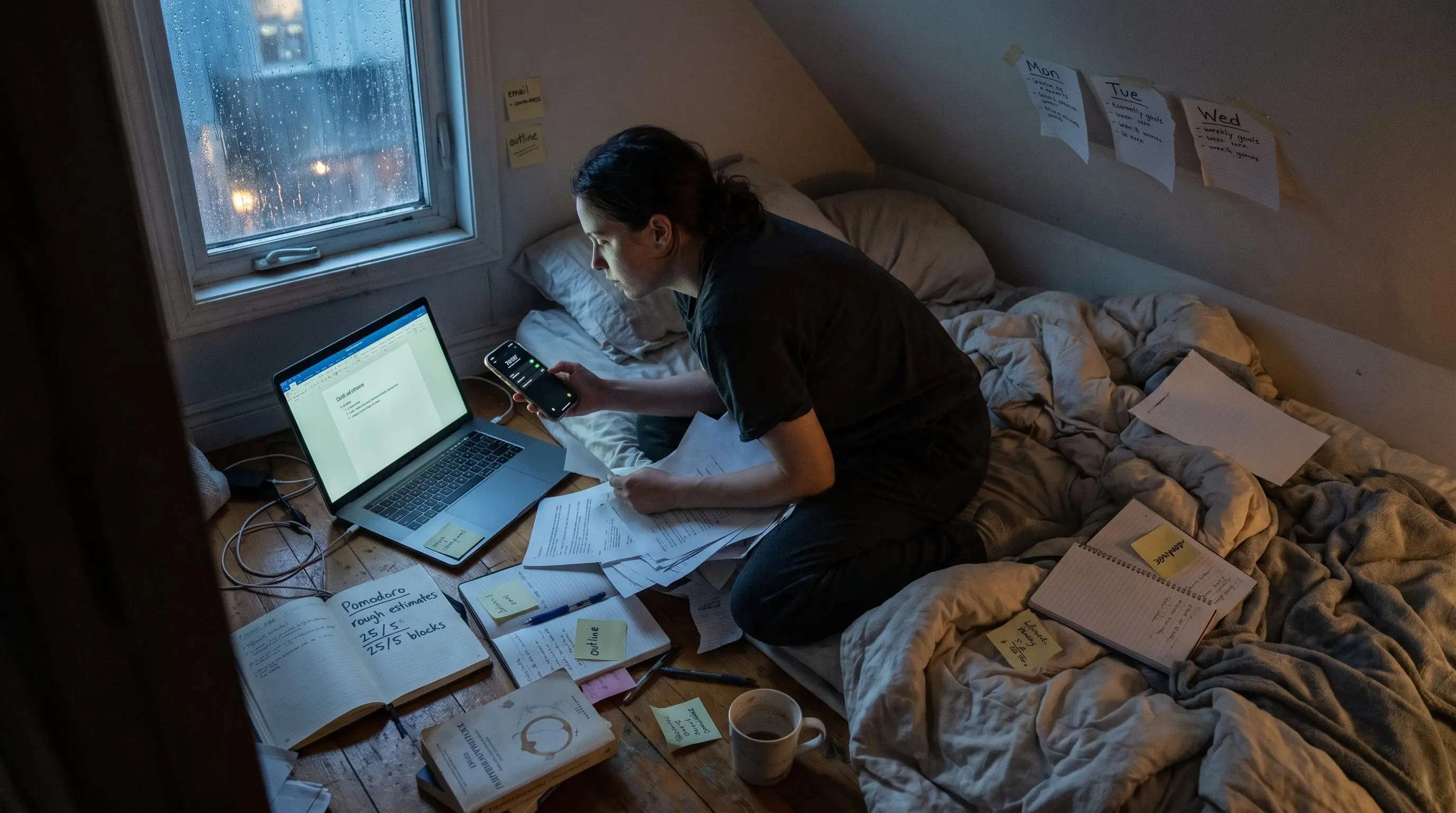
The workflow is simple in a way that matters. You pick one most important task, estimate the work in pomodoros before you begin, connect that day to your weekly goals, then close the Focus Ring at the end with a short review. That last step is easy to underestimate. Plenty of apps help you start. Fewer help you learn from what actually happened at 4:30 pm.
A lot changes when the day begins with one real choice:
- you stop pretending eight things are equally urgent
- you give the focus session a job before the timer starts
- estimated versus actual time starts teaching you whether your plans are fantasy
- weekly and monthly recaps come from lived days, not mood-board productivity
This is where a plain timer usually falls short. A timer can keep you seated. It can't tell you whether you sat down to the right thing.
Because it's browser based, Daily Planner works well on a laptop or phone without turning setup into a side project. The planning layer stays deliberately short. That's a feature, not a missing feature. If your backlog is endless, adding more storage is rarely the fix.
Compared with the rest of this list, it feels lighter than Notion, less calendar-loaded than Akiflow, and much more planning-centered than Google Tasks. Superlist and Any.do can help you organize a lot. Daily Planner is stricter about protecting one main task from being swallowed by the rest.
The Focus Ring and streaks also get something right. They create visible momentum without turning your day into hustle theater.
Progress you can see is useful. Progress you have to perform is exhausting.
There's an optional depth layer for Muse users who want real-time flow-state tracking while they work. Useful for some people, irrelevant for others. That's fine. The core method stands on its own, which is exactly how it should be.
Free access matters here too. A calmer system needs a fair trial, especially for people who've already bounced off three "perfect" productivity apps this year.
2. Superlist
- Tasks and notes stay together
- Quick capture reduces mental clutter
- Nested subtasks clarify big priorities
- Useful for shared planning workflows
- AI helps process messy inputs
- Less focused on one task
- Workspace can become extra overhead
- More app than minimalists need
Superlist makes more sense if your most important task app needs to live inside a wider planning space. Some people really do want tasks, notes, reminders, and shared lists in one place. If that's your day, splitting everything across tools gets old fast.
Its appeal is not just that it stores tasks. It's that planning and context can sit together. A note from a meeting, a grocery list, a recurring reminder, and a personal priority can all exist in the same environment without feeling completely glued together as an afterthought.
A few parts matter most for prioritization:
- quick capture helps when you need to get an idea out of your head before deciding today's one thing
- nested lists and subtasks are useful when the priority is real but still too big to start cleanly
- widgets help surface what matters without opening a maze of pages
- AI features can turn voice notes into action items or summarize meetings if your workday is messy and conversational
That all-in-one shape reduces friction when your priority depends on context. If your main task comes out of a meeting, and the notes already live beside it, good. One less handoff. One less place to lose the thread.
Still, richer workspaces have a habit of quietly becoming maintenance jobs. That's the tradeoff. Superlist is broader than Google Tasks and more collaborative than simpler list apps, but it is less explicitly one-task-focused than Daily Planner. If your main problem is "I can't decide what matters this morning," a large workspace may be more room than you need.
We'd choose it when daily priorities naturally sit inside shared plans, notes, or household coordination. We would not choose it just to feel organized.
3. Google Tasks

- Seamless Gmail and Google fit
- Very fast, low-friction capture
- Simple enough to use daily
- Good for lightweight task planning
- Weak structure for top priorities
- Limited review and reflection tools
- Less useful for deeper planning
Google Tasks is the low-friction option for people already living in Gmail and Google's orbit. Students, inbox-driven workers, and anyone who hates onboarding screens will probably get the point immediately.
Sometimes the best daily planning app for one task method is the one you'll actually open every day. Not the one with a philosophy deck.
Google Tasks works because it asks very little of you. Capture the task, mark the top item, move on. For errands, school work, email follow-ups, and light planning, that simplicity is often enough. Especially if your day is already spread across Gmail and Calendar.
Its place in this list is pretty specific:
- easier to adopt than Notion, Superlist, or Any.do
- better for fast capture than for reflection
- useful if convenience matters more than custom workflows
- decent for "plan one thing today" when your system needs to stay nearly invisible
Plain systems get dismissed too quickly. If follow-through is your weak point, less ceremony can help. One trusted list often beats a clever structure you avoid by Wednesday.
But there is a ceiling. Google Tasks is less structured for one main task than Daily Planner, less specialized than Focal, and less scheduling-oriented than Akiflow. It doesn't do much to force a meaningful daily choice, and it won't help you review whether the right work got done. It's clean, but also a little indifferent.
That indifference is either freeing or annoying. Usually you know which by the second afternoon.
4. Notion
- Tasks live beside project context
- Highly customizable planning dashboards
- Strong for notes-heavy workflows
- Useful for linked docs and research
- Setup can become procrastination
- Needs manual workflow building
- Less constraining for daily focus
Notion is for system builders. If your important task only makes sense when it's connected to project notes, research, class material, or a working document, Notion can be the right most important task app almost by accident. The task lives where the work already lives.
That can be genuinely useful. A priority with heavy context is easier to start when the brief, notes, and references aren't scattered across four tabs and two apps. For students and knowledge workers, that connected setup removes more friction than people admit.
You can shape Notion into a daily highlight workflow, but you do have to shape it. That's the point. It gives you pages, databases, linked information, and enough flexibility to build exactly the system you had in mind at 11:20 pm.
Which is both the appeal and the trap.
When Notion helps
- your priority depends on docs, notes, or research
- you already think in dashboards and linked pages
- you want tasks inside a broader project workspace
- building a personal planning view feels satisfying, not draining
When it goes sideways
- you spend more time tuning views than choosing work
- every workflow tweak feels productive but changes nothing
- your morning plan turns into a design session
Daily Planner gives you the method upfront. Notion gives you the parts. Google Tasks and Any.do are much simpler. Akiflow is tighter around scheduling. Focal is narrower and more action-focused. Notion sits in a different lane: great if you need a workspace, poor if you mainly need constraint.
A decent rule here is blunt. If customization is how you procrastinate, don't hand yourself more knobs.
5. Any.do
- Guided daily planning reduces overwhelm
- Tasks and calendar align realistically
- Quick natural-language task capture
- Familiar interface lowers setup friction
- Less strict about one priority
- Limited focus metrics and reviews
- Can feel generic for power users
Any.do is the polished, consumer-friendly option for people who want help turning a backlog into a realistic day. It feels less like a blank list and more like a planning routine, which is why it works for busy students and professionals who need guidance without a whole operating system.
The My Day style flow is the main reason it's here. Choosing what matters now, instead of staring at every task you've ever written down, reduces morning drag. Decision fatigue is real, and a daily reset helps more than another sorting label.
It also brings tasks and calendar planning closer together. That's useful because lists lie. They make ten tasks look equally possible until time gets involved.
A few parts stand out in real use:
- daily planning feels guided without being overbearing
- natural-language input makes capture quick enough to keep momentum
- task sharing helps when work or life overlaps with other people
- the structure is familiar, which lowers resistance
Compared with Google Tasks, it gives more support around daily planning. Compared with Notion, it's less custom and far less likely to turn into a side hobby. Compared with Daily Planner, it's not as strict about one main task. Compared with Focal, it's more mainstream and less narrow in its logic.
This is a good fit for people who want a planning ritual but don't want to become productivity monks. If you need measurable focus, deeper review loops, or a stricter one-task method, it won't go far enough. Still, for many readers, "far enough" is exactly right.
6. Akiflow
- Strong calendar-first execution
- Protects time for priorities
- Unifies tasks and availability
- Great for meeting-heavy schedules
- Can feel heavy for solo use
- Less useful without time blocking
- Not built for deep review
Akiflow is for people whose day is ruled by the calendar whether they like it or not. If your most important task keeps losing to meetings, deadlines, and moving availability, choosing the task is only half the problem. The other half is finding where it will live.
That's where Akiflow earns its place. It pulls planning toward scheduled execution. Less "this matters" and more "this matters at 2:00."
That shift changes follow-through more than most people expect. A task without a time often becomes a suggestion. A task on the calendar has at least a fighting chance.
Here's where it fits best:
- your work already runs through meetings and time blocks
- your main failure point is not priority selection but time protection
- you want one planning surface that ties tasks closely to actual availability
Relative to the rest, Akiflow is more calendar-centered than Superlist, Google Tasks, or Notion. It's more about orchestration than Daily Planner, which stays focused on a repeatable one-task rhythm. It's broader than Focal, especially for professionals managing shifting schedules.
The weight is the tradeoff. For students or solo workers with flexible days, it may feel heavier than necessary. A simple daily highlight app can do the job if your calendar isn't the battleground. But if time blocking is non-negotiable, lighter tools often fail because they stop one step too early.
7. Focal
- Shows only ready-to-start tasks
- Hides blocked work automatically
- Dependencies reduce false urgency
- Voice or text task capture
- Less useful for planning habits
- Limited notes and workspace depth
- Narrower than general task apps
Focal is the interesting specialist in this group. It's for people who hate seeing blocked, premature, or not-yet-actionable work cluttering the list. If your task manager makes everything look equally possible when it clearly isn't, Focal goes straight at that problem.
Its core idea is simple: show only work that's actually ready to start. Blocked tasks stay quiet until the blocker clears. That sounds small. It isn't.
Blocked tasks create emotional noise. They sit there making you feel behind for work you cannot even begin.
Focal leans on dependency-aware planning, with voice or text capture that understands when one task depends on another. The Active Tasks view keeps only actionable work visible. Backlog items wait offstage until they're ready, and you get nudges when something becomes startable.
That makes it a strong focus app for one main task if your issue is false urgency more than weak motivation. In those cases, reducing visible options can increase follow-through faster than adding more categories or labels.
Compared with the generalists, Focal is more specialized than Superlist and Any.do, more actionability-focused than Google Tasks, and less about notes than Notion. It also gives you less of a daily ritual than Daily Planner. So the question is straightforward: do you need help building a planning habit, or do you need your list to stop lying to you?
Different problem. Different tool.
| Daily Planner | Superlist | Google Tasks | Notion | |
|---|---|---|---|---|
| Built-in subtasks or nested lists | × | ✓ | ✓ | ✓ |
| Keeps tasks alongside notes or docs | × | ✓ | × | ✓ |
| Real-time collaboration or shared planning | × | ✓ | × | ✓ |
| AI features included | × | ✓ | × | ✓ |
| Calendar integration or calendar view | × | × | ✓ | × |
| Dedicated daily review or reflection loop | ✓ | × | × | × |
How to Choose the Right Most Important Task App
These apps do different jobs. Some help you choose what matters. Some help you schedule it. Some are mostly storage with nicer lighting. If you miss that distinction, every tool starts to look oddly disappointing.
Use these questions instead of feature shopping:
- Do you want a simple daily highlight app or a full workspace?
- Do your tasks need to sit beside notes, docs, or research?
- Does your priority need a calendar block to survive?
- Do you want guidance for one task, or freedom to build your own system?
- Will visible feedback like rings, streaks, or review loops keep you engaged?
A practical way to sort yourself:
- reactive, inbox-driven users often need a calmer one-task method
- project-heavy thinkers may need richer context and documentation
- meeting-heavy professionals usually need stronger calendar planning
- overwhelmed list-makers often need fewer visible tasks, not more features
If you're in the broad structure-seeking group, optimize for ease and a short morning planning flow. If you're neurotech-curious and already care about measured focus, feedback loops may matter more than pure simplicity.
In the first week, test four things:
- How fast can you choose the day's priority?
- Does the app help you protect focused time?
- Does end-of-day review clarify things or just add homework?
- Does tomorrow feel easier because of today's system?
What Actually Helps You Plan One Thing Today
Prioritization is not a personality trait. It's an attentional skill. That matters because people often blame themselves for what is really a weak method.
A useful one priority planner app usually has four parts:
- a clear moment to choose the top task
- some constraint that keeps the daily list short
- a focus structure, either work blocks or scheduled time
- feedback that closes the loop and improves the method over time
A lot of apps miss this search intent because they capture tasks well but don't force a decision. They show long lists without helping you commit. They track activity but not whether the right task got finished.
The lenses that actually matter
- Daily ritual and review: Daily Planner and Any.do are stronger here.
- Context and notes: Notion and Superlist have the advantage if your work needs supporting material.
- Calendar realism: Akiflow is built for this problem.
- Actionability: Focal is unusually good at cutting false options.
- Feedback and focus support: Daily Planner goes further than a plain timer because it links planning, effort, and review.
There's another quiet benefit to choosing one main task. It reduces guilt. When the day has a single honest target, unfinished minor tasks stop feeling like moral failure. And honest time estimates matter more than people expect. Once you see estimated versus actual time for a week, your planning gets less theatrical.
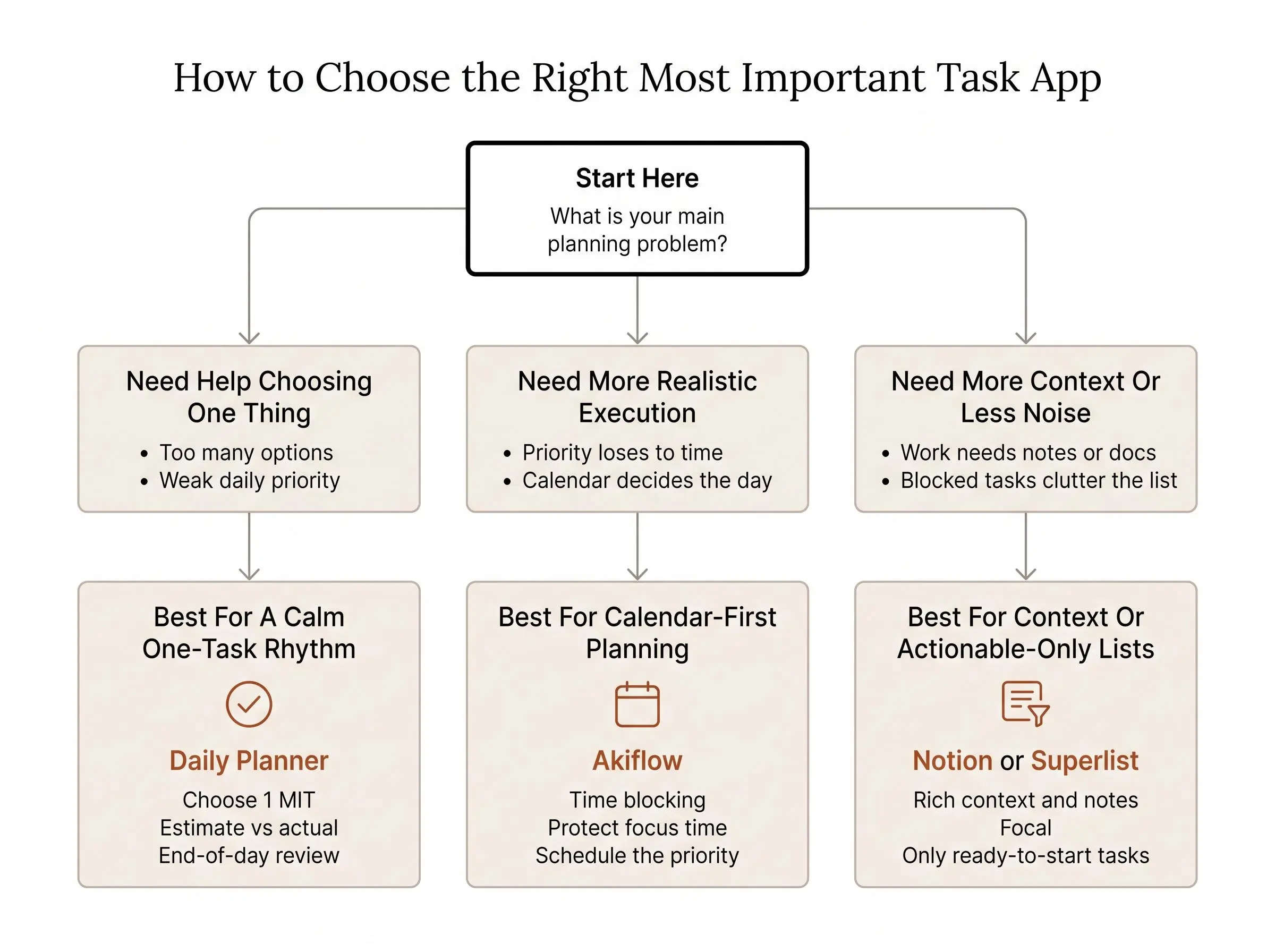
Which Type of App Fits Your Working Style
If you want the short version, here it is. Match the app to the day you actually live, not the one you keep promising to start next Monday.
- Best for a calm one-task rhythm: Daily Planner
- Best for all-in-one personal and shared planning: Superlist
- Best for Google-native simplicity: Google Tasks
- Best for customizable workspace planning: Notion
- Best for guided everyday planning: Any.do
- Best for calendar-first execution: Akiflow
- Best for actionable-only task visibility: Focal
A few quick scenarios make the split clearer.
If you keep trying Pomodoro timers but still don't know what to work on first, Daily Planner is the better answer than another timer.
If you already have too many tasks and need less visual noise, Focal is more useful than a prettier list.
If your priority keeps losing to meetings, Akiflow is the practical choice.
If the work depends on notes, docs, or research, look at Notion or Superlist before simpler apps.
If you want measurable focus rather than just counted minutes, Daily Planner's optional Muse support gives you that extra layer without forcing it on everyone else.
Good friction helps you choose one thing. Bad friction makes you maintain the app more than your attention. That's the real test.
Pick the app whose default behavior looks most like the day you want to have.
Conclusion
The goal isn't to manage more tasks. It's to decide, with some confidence, what deserves your best attention today.
Choose Daily Planner if you want a calm, deliberate one-task rhythm. Choose Superlist or Notion if your priority needs more context around it. Choose Google Tasks if simplicity is the deciding factor. Choose Any.do if you want guided daily planning. Choose Akiflow if calendar time is where the fight happens. Choose Focal if your list is crowded with blocked work.
Then keep the test simple. Try your top two for one workweek. Each morning, choose one main task. Each afternoon, check whether the app helped you protect time, stay engaged, and finish with less mental scatter than you started with.
That's usually enough to tell whether the tool is helping you think, or just giving your chaos better typography.