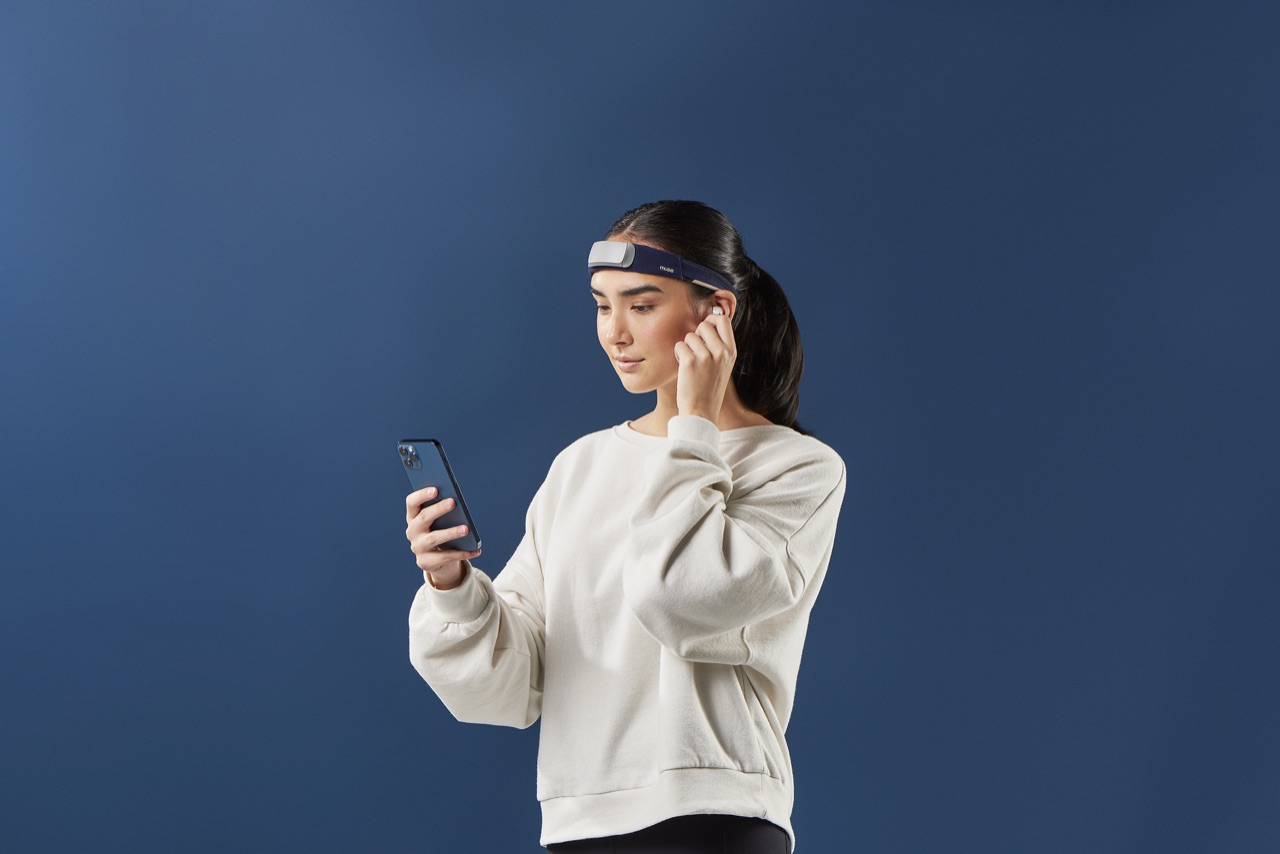
Flow — that state of effortless, fully-absorbed concentration — has always been hard to manage because it's hard to see. You usually only notice it after it's gone. A Muse headband changes that: it's a consumer EEG device that reads the electrical activity of your brain, and with Flocus you can translate that signal into a real-time flow score you can actually act on.
This guide walks through the practical side: which Muse models work, how the tracking actually works at a high level, and exactly how to set up and run your first flow-tracking session. If you want the deeper neuroscience behind the measurement, see the science behind Flocus.
Can a Muse headband actually measure flow?
In short: it can measure reliable correlates of flow. Muse is an electroencephalography (EEG) device — it picks up the rhythms of your brain's electrical activity through sensors resting on your forehead and behind your ears. Decades of research link certain brainwave patterns to focused attention, and the one Flocus leans on most is the theta/beta ratio, which is associated with sustained, absorbed concentration rather than scattered or anxious thinking.
No consumer headband reads "flow" off a single dial — flow is a whole-brain, whole-body state. What Flocus does is combine the theta/beta ratio with fatigue and trend analysis to estimate, moment to moment, how close you are to that absorbed state, and express it as a single score from 0–100. It's a practical proxy, not a medical readout, and it's most useful as a relative signal across your own sessions. We go deeper on the mechanism — theta, alpha, beta, and the inverted-U of arousal — on the science page.
Which Muse headbands work with Flocus
Flocus works with every Muse headband Interaxon has shipped, so you don't need new hardware if you already own one:
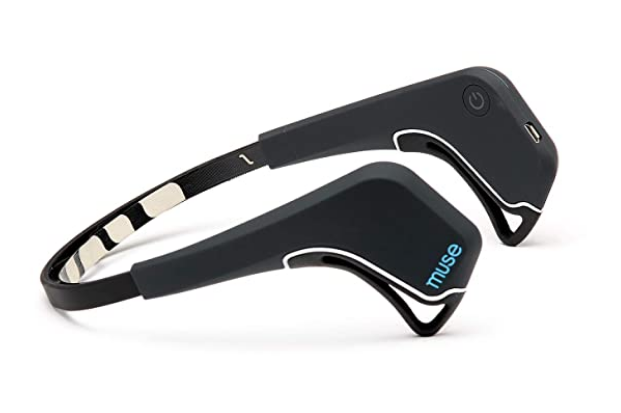
Original Muse Muse 1
The first-generation Muse EEG headband.
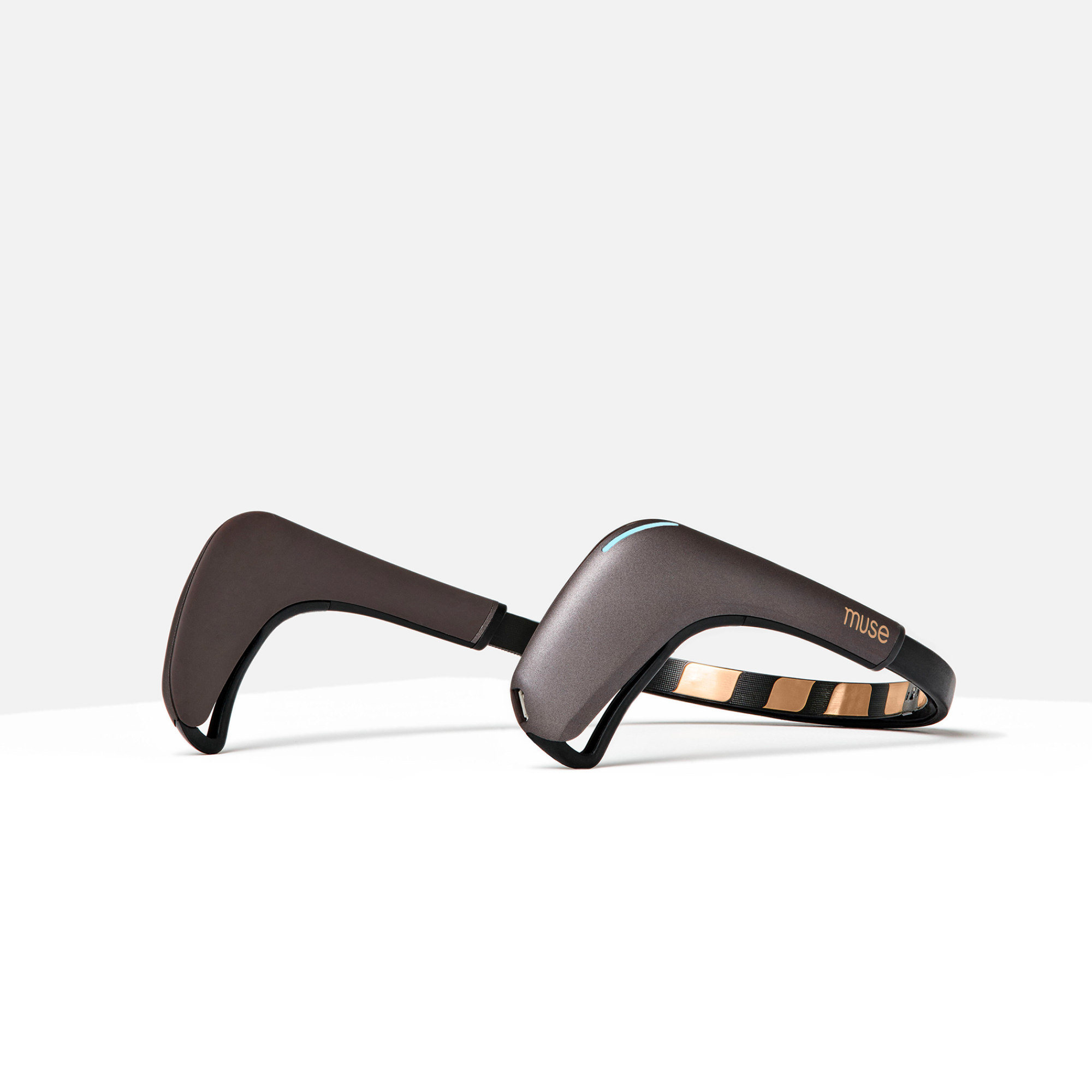
Muse 2
Adds heart-rate, breath, and body sensors; Flocus reads the EEG channels.
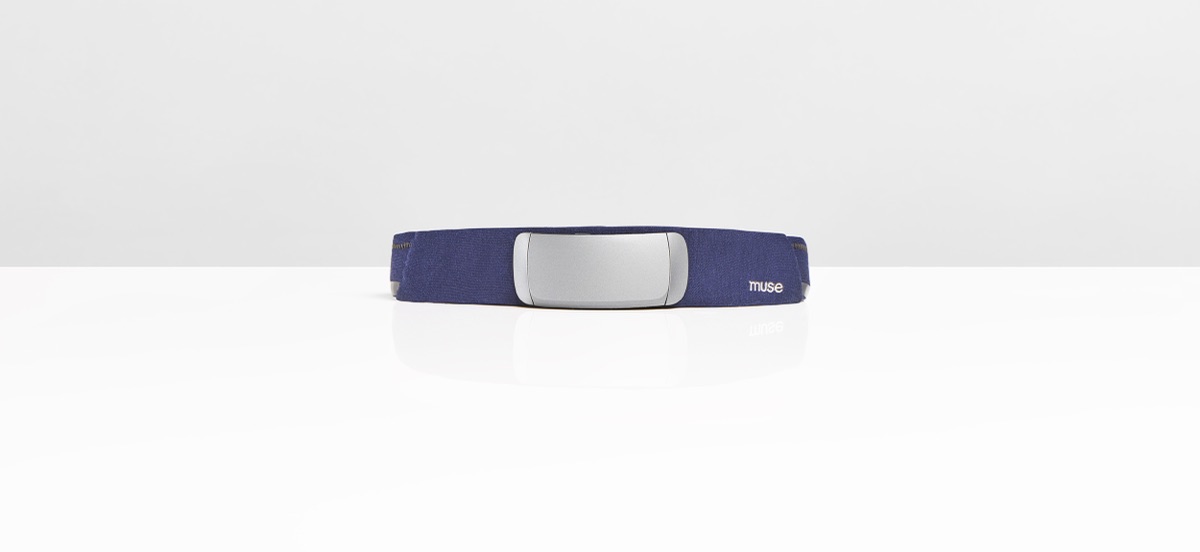
Muse S Gen 1 & Gen 2
Soft fabric band for comfortable all-day and all-night wear.
Don't have a Muse yet?
Flocus works with every model above — grab one from the official Muse store to start tracking your flow.
All of them connect over Bluetooth. Flocus runs in your browser using the Web Bluetooth API, which is supported in Chrome, Edge, and Opera on desktop. Safari and Firefox don't support Web Bluetooth, and mobile browsers can't connect either — so you'll track from a desktop or laptop. Newer Muse S (Gen 2) devices use a different Bluetooth protocol (Athena) than older models (Classic); Flocus auto-detects which one your headband speaks, so you normally don't have to think about it. You can explore the full breakdown on the features page.
How Flocus turns your Muse EEG into a flow score
When you start a session, Flocus streams the raw EEG from your Muse directly in the browser and analyzes it continuously. Three things feed the score:
- Theta/beta ratio — the core attention signal, tracking how focused versus scattered your activity looks.
- Fatigue analysis — watching for the drift that signals your mental energy is depleting, so you can rest before you crash.
- Trend analysis — comparing the current moment to your own baseline and recent history rather than a fixed standard.
The result is a live flow score (0–100) and a color-coded state: Flow (absorbed, focused attention), Overload (cognitive strain; a sign to ease off), and Low Engagement (under-stimulated or disengaged). The goal across a work block is simple: maximize time spent in flow.
How to start tracking your flow (step by step)
- Put on and pair your Muse. Turn the headband on, make sure Bluetooth is enabled on your computer, and open Flocus in Chrome, Edge, or Opera.
- Connect. Flocus will prompt the browser's Bluetooth picker — select your Muse. It auto-detects the Classic or Athena protocol.
- Calibrate (about 30 seconds). Sit still and relax while Flocus establishes your personal baseline. This is what lets the score reflect your brain rather than a generic average — and it's why the same task can score differently on different days depending on sleep, stress, or caffeine.
- Start your work session. Begin the task you actually want to focus on. Watch the score climb as you settle in; don't stare at it — glance occasionally and let it run in the background or the menu bar.
- Review afterward. Each session is saved with a flow timeline, peak moments, and fatigue, so you can see what conditions put you in the zone.
For a fuller setup walkthrough including hardware tips and browser checks, see Getting Started. And if you want structure around your sessions, Flocus now includes a full daily planner — plan your most-important task and run focus blocks against it with the daily planner with built-in focus timer.
Getting more time in flow
Once you can see the score, it becomes a feedback loop. A few things that reliably help:
- Protect a clear, single task. Flow needs an unambiguous goal; context-switching shows up fast as a dropping score.
- Use the score to time breaks, not to grind. When the Overload state appears or fatigue climbs, a short break protects the next block. Flocus's EEG-aware Pomodoro mode can extend a work interval when you're deep in flow and nudge a break when you're fading.
- Match difficulty to skill. Too-easy work drifts toward Low Engagement; too-hard work tips into Overload. Flow lives in between.
- Compare against yourself. Treat the score as a personal trend line over weeks, not a number to beat in a single sitting.
Getting a clean signal from your Muse
EEG is only as good as the contact between the sensors and your skin, so a minute of setup pays off in a score you can trust. The single biggest factor is the forehead sensors: push your hair off your forehead, and if your skin is dry, a quick wipe with a slightly damp cloth noticeably improves conductivity. Seat the headband so it sits flat across your forehead rather than riding up, and make sure the sensors behind your ears are touching skin, not hair.
If your score looks erratic or refuses to settle, it's almost always signal quality rather than your actual focus — clenching your jaw, frequent blinking, or fidgeting all introduce artifacts the headband picks up as noise. Sitting reasonably still during the 30-second calibration, in particular, gives Flocus a clean baseline to work from. If problems persist, the troubleshooting guide covers connection drops, signal quality, and protocol issues in detail.
Reading your flow score in the moment
The number itself matters less than what it's doing. A score that's climbing and holding in flow means whatever you're doing is working — protect it, and avoid the temptation to check messages or switch tasks. A score that keeps sliding toward Low Engagement usually means the work has gone stale or under-stimulating: it's a cue to raise the stakes, set a tighter goal, or pick a more demanding sub-task. Repeated spikes into Overload are the signal most people ignore and shouldn't — they tend to precede the moment where focus collapses entirely, so they're your earliest warning to take a real break rather than push through.
A useful habit is to not watch the score continuously. Staring at a focus meter is itself a focus leak. Glance at it when you naturally surface — between paragraphs, after a compile, at a Pomodoro boundary — and let the trend, not any single reading, guide you. The first few minutes after calibration are also noisy as you settle in; give a session a little runway before you read too much into it.
What your session timeline tells you
The real payoff compounds across sessions. Because each one is saved with a flow timeline, peak-flow moments, time-in-flow, and fatigue, you can start to answer questions that are otherwise pure guesswork: What time of day do I actually reach flow? How long does it take me to get there? Which kinds of tasks reliably put me in flow, and which never do? Does an afternoon session look different from a morning one?
Over a couple of weeks those patterns turn into decisions — scheduling your hardest work in the window where your flow scores are consistently highest, front-loading a short warm-up task if you see you need ramp-up time, or protecting the conditions that precede your best sessions. That's the difference between hoping you'll focus and engineering for it. The features page covers the analytics in more detail.
Quick answers
Do I need internet to track?
The EEG analysis runs locally in your browser, so the flow scoring itself happens on your machine. You'll want a connection to load the app and sync session metrics to your account.
How often should I track?
There's no need to wear the headband for every work block. Most people use it to learn their patterns — a stretch of regular sessions to build a baseline — and then track selectively around the work that matters most.
Is this the same as meditation tracking?
Muse is well known for meditation feedback, but Flocus points the same hardware at a different goal: sustained, productive focus during work, rather than calm during meditation. Same headband, different target state.
Is your brain data private?
Yes. Your raw EEG is processed locally in your browser and is never sent to Flocus servers. If you create an account, only aggregated session metrics — things like your flow score and session duration — are stored so you can see your history, and you can delete that data at any time.
Try it with your Muse
You can start free — one 30-minute session a day, no credit card — which is enough to feel what flow tracking is like with your own headband. If it earns a place in your routine, Flocus Pro removes the limits and unlocks full history and analytics.